Rohan2 - Metin2 PVP Server Introduction


Rohan2

Rohan2 Logo

Rohan2; Server 1 Rohan opened its doors on 7 April 2017 and has been providing
uninterrupted service ever since.
Rohan offers its players a better experience with its unique updates and stories.
We have also shaped the game according to this theme.

Our Game Structure It is a game that emerged in line with our players' requests, based on farming and fluid trading. With its innovative vision, it has a structure that will greatly impact trading and your gaming enjoyment without disrupting the game's structure.
Our game is progressing through the Official structure, and future updates are being evaluated within this framework.

Main Story

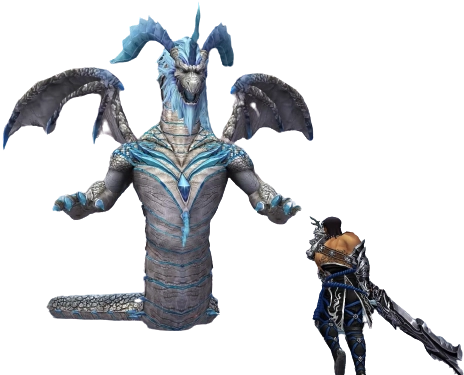
At the beginning of time, there were three divine siblings who established the balance of life: Bahar-Taraji, the Goddess of Creativity, and her brothers Baljit-Elvedin, the God of Protection, and Beran-Setaou, the God of Death. While people prayed to the first two, they feared the third. Over time, this led Beran-Setaou to become jealous, and he began to feel resentment and hatred. Eventually, the god's resentment grew so strong that he killed his sister, the goddess most beloved by humans. The goddess's death led to terrible consequences. A long and cruel winter froze the world of humans. Even the gods suffered. When Beran-Setaou realised the mistake he had made, he withdrew into seclusion. He mourned until his brother Baljit-Elvedin began searching for his cruel sibling. But this is only part of the story... When he found him in the cave underground, a terrible battle began between the two brothers, who were unable to decide their fate. However, Baljit-Elvedin managed to return to the world of humans by sealing the cave. Since then, he has been a protective hand over them, preventing the world and its living creatures from passing over to the dark side. The location of the cave, known as the Exile Cave, is known to very few people – and those who know keep it a secret. The dark dragon rules over the underground world and those who live there. The dragon still harbours hatred towards the living. And anyone who crosses into its territory will taste the power of its wrath.


Server Types

We offer you two different server types through a single entry point.

Server1 (S1) - 1-120
Efes (S2) - 1-99

Language Support

Rohan2 Language Support

We offer two different server types through a single entry point.
Turkish - 100% Support
English - 95% Support
German - 90% Support
French - 90% Support
Hungarian - 90% Support
Italian - 90% Support
Polish - 90% Support
Romanian - 90% Support
Czech - 90% Support
Danish - 90% Support
Spanish - 90% Support
Greek - 90% Support
Dutch - 90% Support
Portuguese - 90% Support
Russian - 90% Support

Coming soon Arabic - Not yet supported, coming soon.

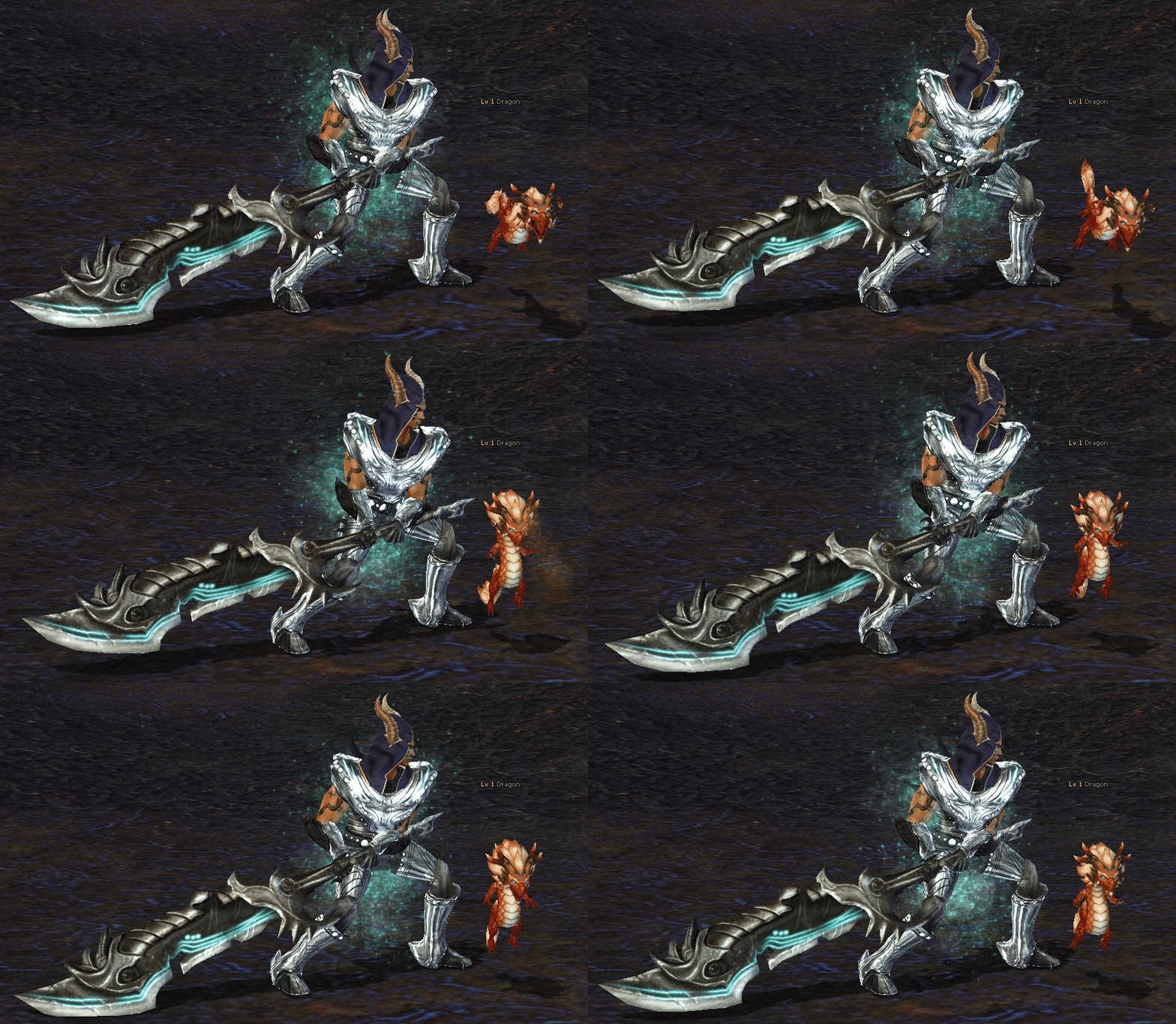
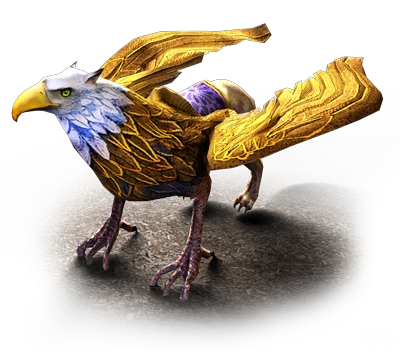
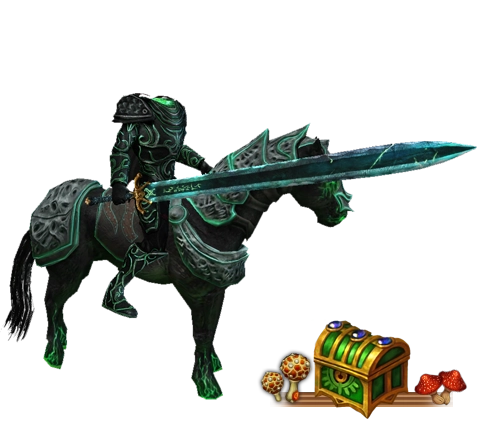
Metin2 pet and character

Rohan2 | Server1 section has been active since 2017! Join this
adventure now! Registration and downloads are active!


Kingdoms and Regions

Do not let other kingdoms gain a foothold in these unforgiving and challenging lands! Defend your kingdom through your struggles and utilise your strategic intelligence to acquire countless items from these boundless lands. If you choose your kingdom wisely, you will reap the rewards in the upcoming "Kingdom Wars".

metin2 red flag

Shinsoo Empire

The Shinsoo Empire is located in the southern part of the continent, and its people engage in trade. While the empire enjoyed good trade relations with the east, it experienced constant problems with the west. As the negative effects of the text stones also cut off trade routes, the aim of this empire's people is to destroy the text stones, reopen the trade routes as before, and rule the entire continent.

metin2 yellow flag

Chunjo Empire

The Chunjo Empire is located in the western part of the continent and is ruled by spiritual leaders. The empire was founded by Yoon-Young, cousin of the former emperor. The emperor's wife, thanks to her magical powers, warned that the text stones would pose a threat, but it was too late to take precautions. Due to the negative effects of the text stones and internal affairs, the Chunjo Empire is in open conflict with the east and in constant disagreement with the south. The people of Chunjo are still fighting against the negative effects of the text stones.

Jinno

Jinno Empire

The Jinno Empire is located in the eastern part of the continent. The empire values military power and warfare, and its people are extremely aggressive and warlike. The empire is ruled by Ee-Ryoong, who disregards the destructive and negative effects of the text stones and wishes to use their destructive power for military purposes.

Neutral

Neutral Zone

Neutral zones are free areas and have no PvP protection.

5 CHARACTERS

Choose the right character to manage, and get your character to the best level for both PvM and PvP. To make developing your character easier, check out the forum update topics and our wiki page.

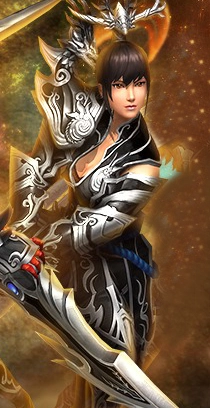
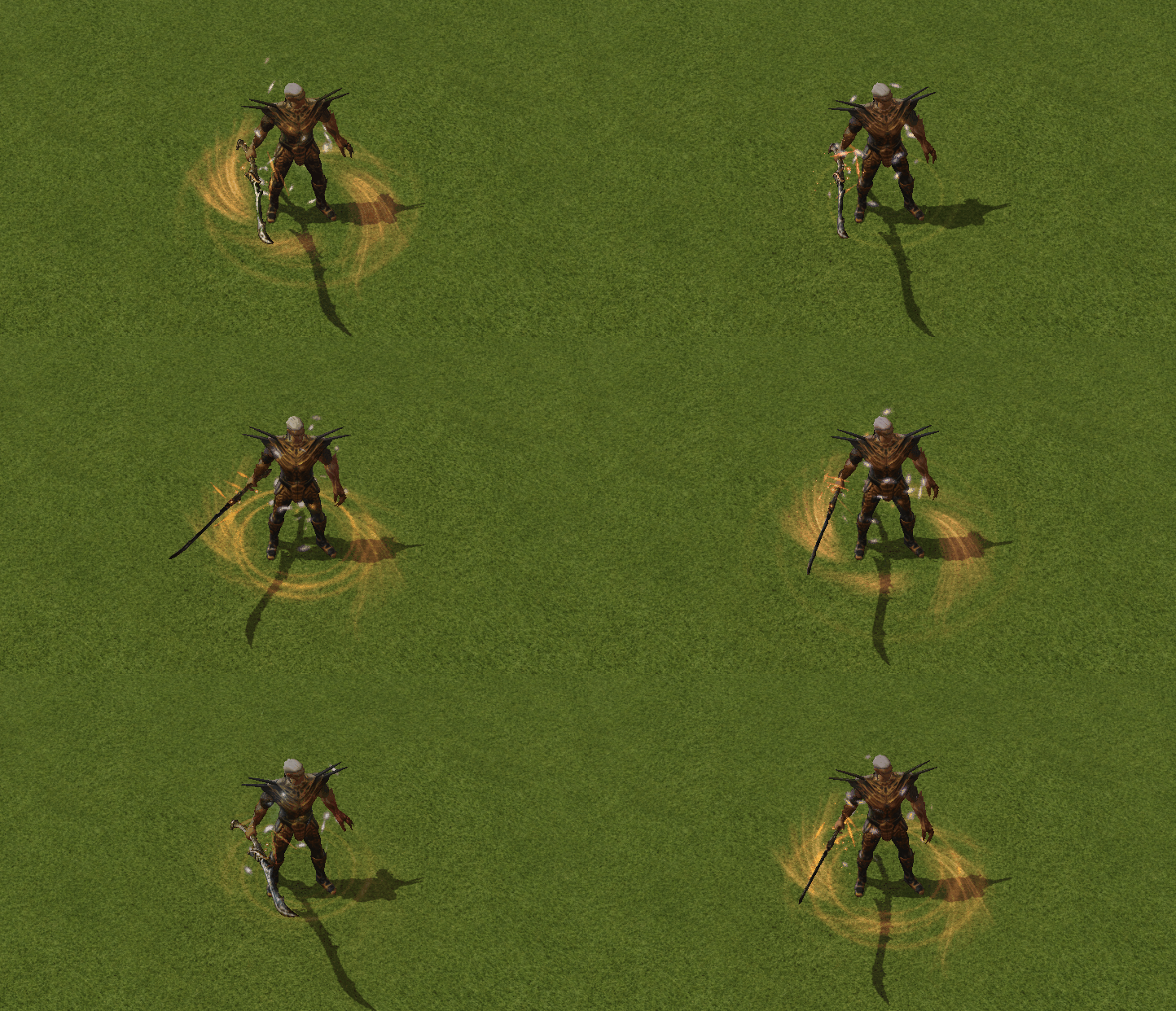
Warrior

Warrior

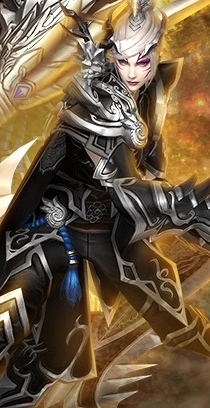
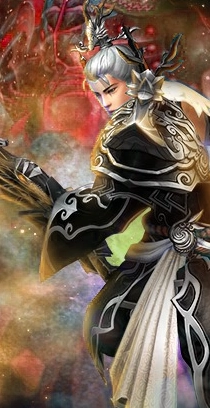
Warriors are the vanguard soldiers of battle. They carry out the most demanding tasks and overcome all obstacles with their muscular build. After level 5, warriors are divided into two categories based on their physique: PHYSICAL and MENTAL. In the Metin2 game, the majority of players who play as Warriors play as Mental Warriors up to level 30. After level 30, they reset their skills from the Fortune Teller and switch to Physical Warriors.

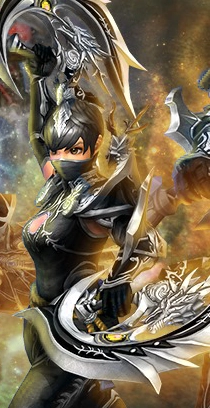
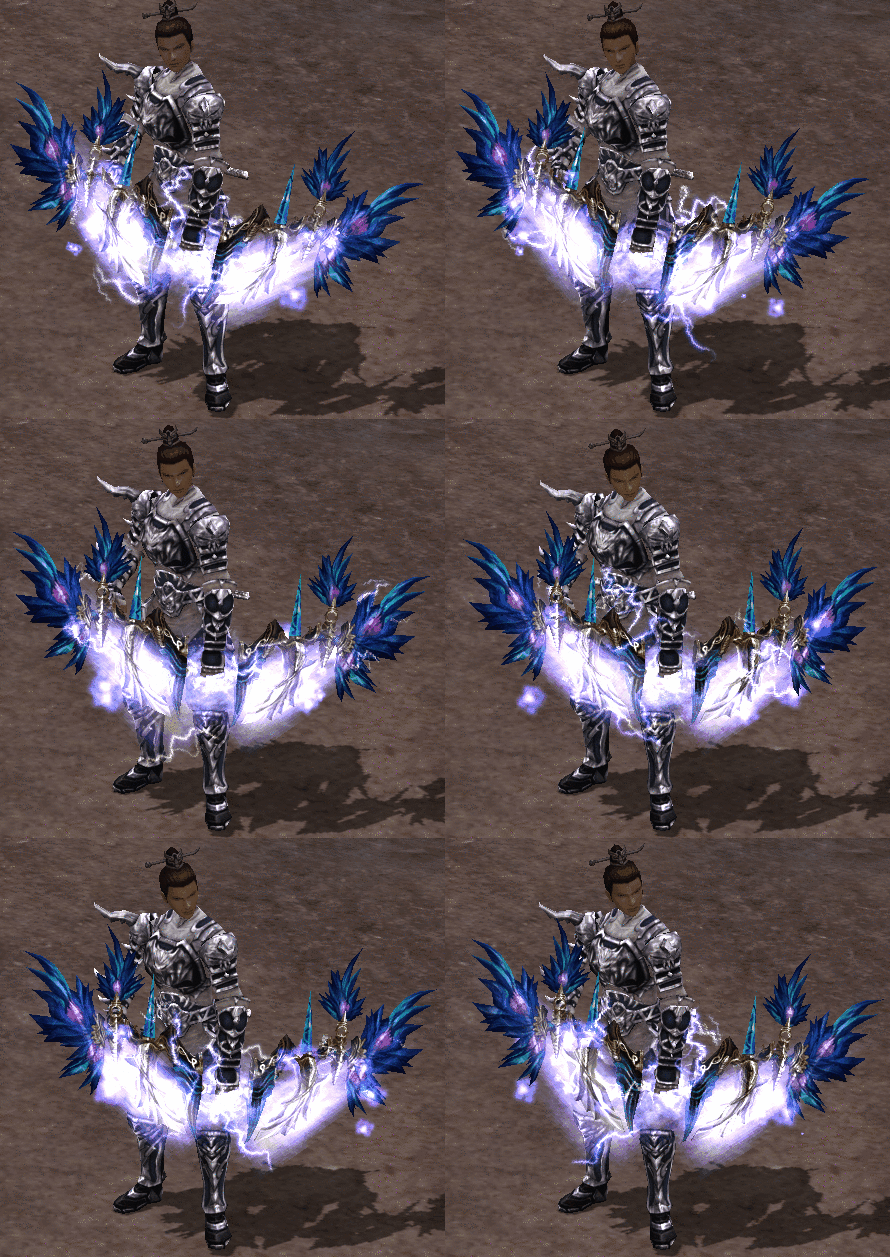
Ninja

Ninja

The careful selection of ninja characters is no coincidence. They are known to be very dangerous due to their agility and skills, and they are trained as assassins. As with every character, after level 5, they are divided into two classes: SWORDMASTER or ARCHER.

Sura

Chapter

Suras are an incredible character class possessing very powerful spells, referred to as the seed of the devil. After reaching level 5, Suras must choose between the dark powers of magic. With this choice, some Suras enhance their weapons and become MAGIC WEAPON SURAS, while others succumb to the influence of dark magic and become DARK MAGIC SURAS.

Shaman

Shaman

Shamans are highly wise characters with powerful magic and sorcery abilities. Their assistance and superiority in battle is indisputable. When a shaman reaches level 5, they must choose between two shamans with different skills. In this choice, one of these unique characters possesses HEALING POWERS, while the other possesses DRAGON POWER.

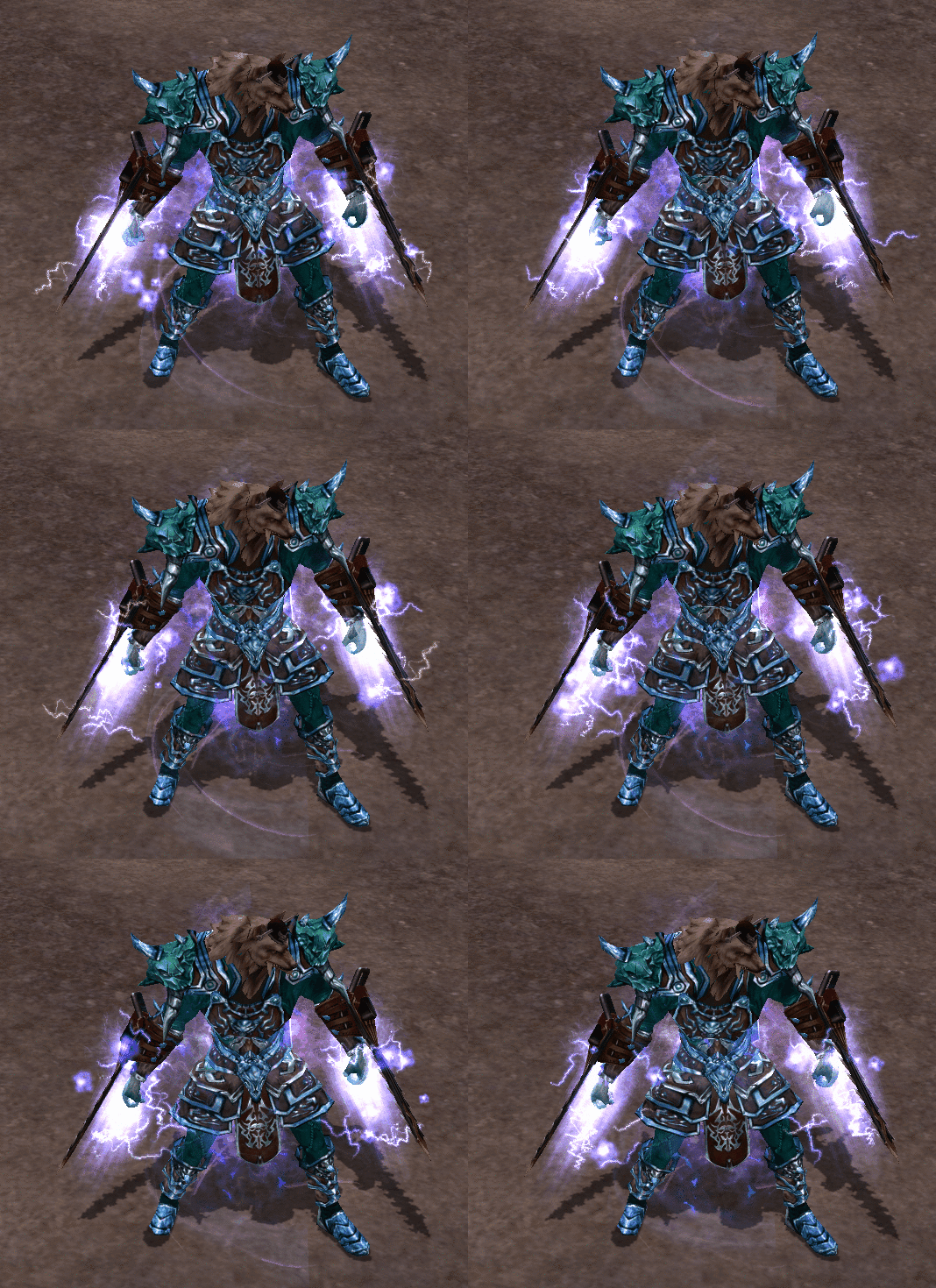
Lycan

Werewolf

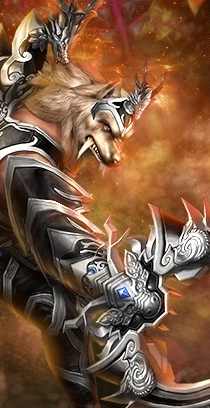
The existence of Lycans had long been the stuff of legends and folklore.


Spell Ratios


Efsun Name Lowest Rate Highest Rate
Maximum HP10002000
Strength - Intelligence - Vitality - Agility612
Maximum Special Points3080
Attack Speed58
Speed of Movement1520
Spell Casting Speed1520
Chance of bleeding58
HP-SP Production1030
Poisoning, Stunning, Slow Chance58
Critical - Piercing Strike Chance510
Power Against Half-Humans510
Resistance to Magic1015
Immortal, Devil, Mystic, etc.1520
Sword, Knife, Double-edged Sword, etc. Defence1015


General Introduction

The general introduction contains necessary information about the game, such as system requirements, events, maps, etc. For other alternative information, you can visit
the Wiki or forum update topics.

General Introduction
NPC-YZK CONTENT
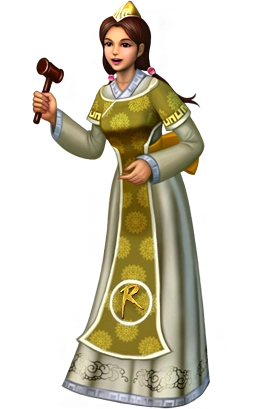
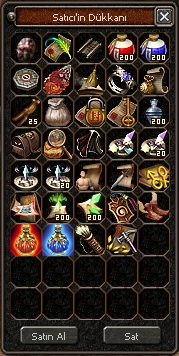
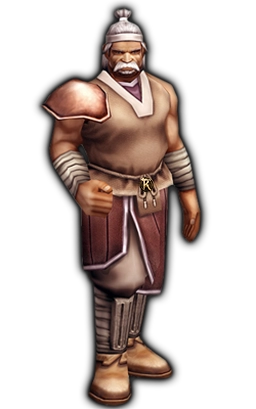
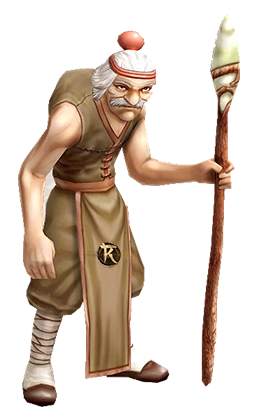
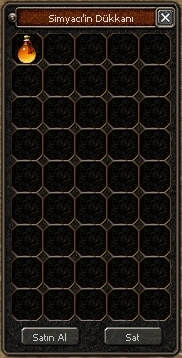
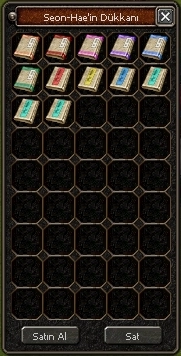
Seller - Quest Seller - Shop
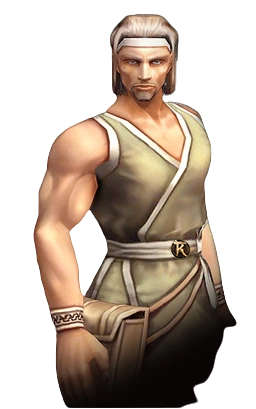
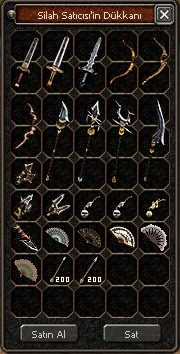
Arms dealer - NPC Arms dealer - Shop
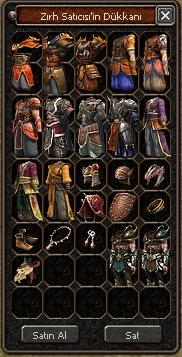
Armourer - NPC Armourer - Shop
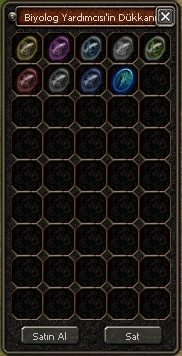
Biologist - NPC Biologist - Shop
Alchemist - NPC Alchemist - Shop
The sea is calm - NPC The sea is calm - Shop

START OF THE GAME

START OF THE GAME - Quest - The duration of the starting items in the game is 7 days.
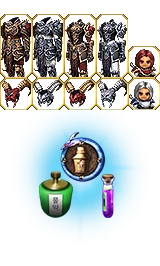
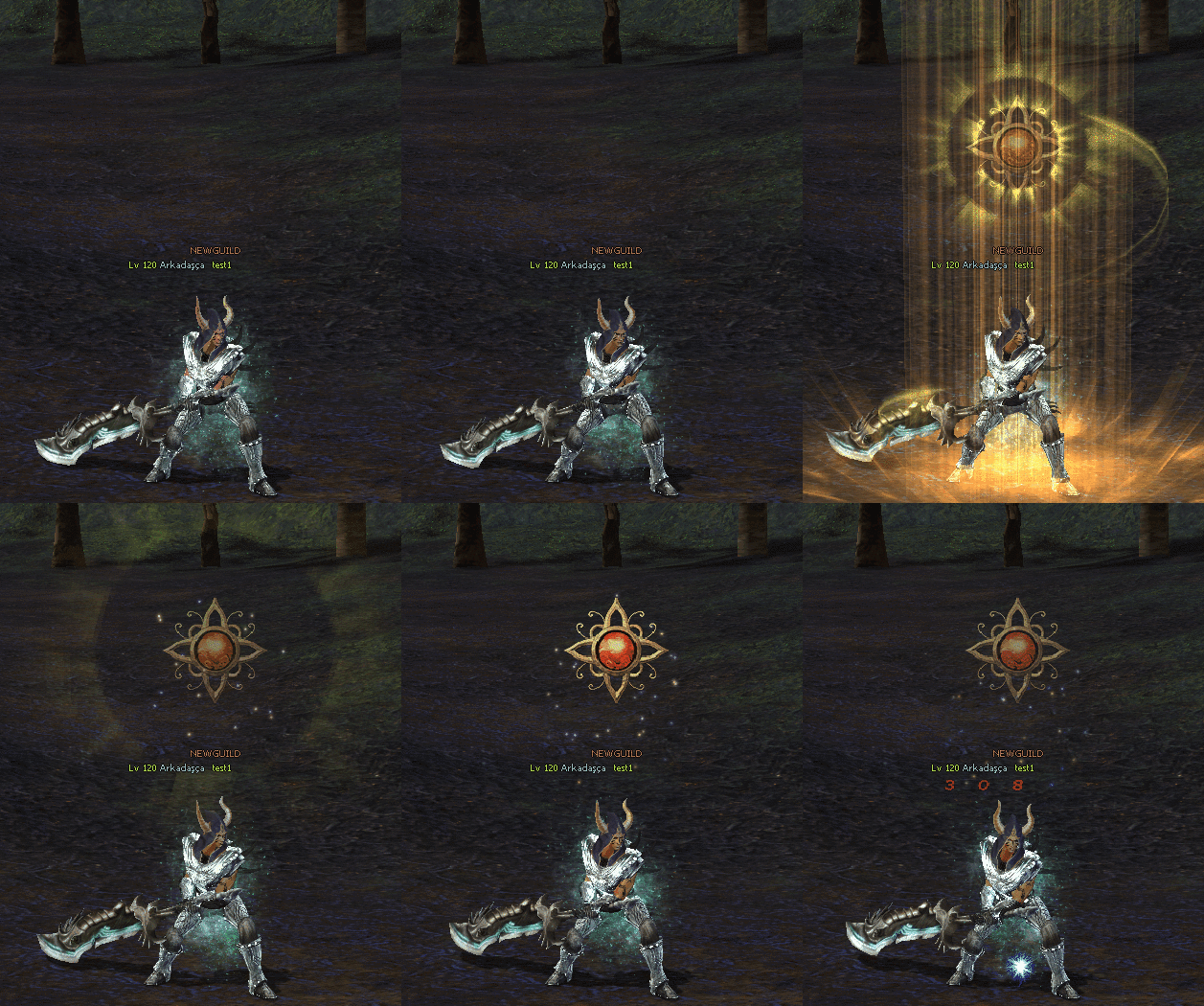
The Assistant Shaman, Pet, Mount, and levelled pet will not disappear when you teleport. This allows you to continue farming comfortably after changing channels and teleporting. Additionally, you only need to open your marks once. Focus on the game more quickly and start progressing.
START OF THE GAME - Features - While reserving the right to make changes, our starter sets will be as follows.

x1 Mystic Oracle Mount (Manu) - Rotation speed is quite good.
x1 Assistant Shaman (Dragon Power)
x1 Auto Hunt
x1 Cloak of Courage (Unlimited)
x1 Text Stone Detector (Unlimited)
x1 Potion Bag
x1 Weapon Appearance Voucher
x1 Soldier Horse Book
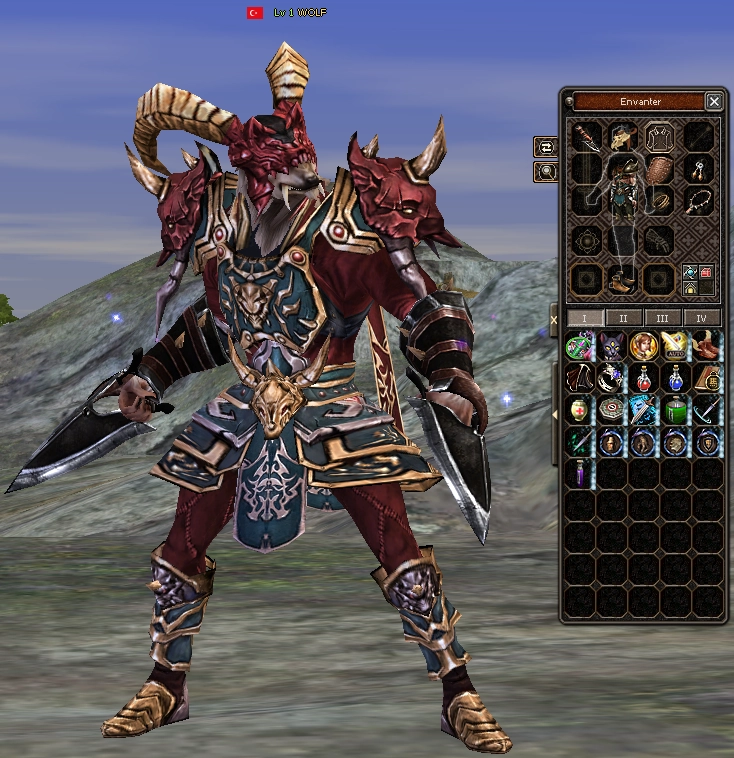
x1 Red Azrael Costume Set
x1 Mystic Oracle Cat and derivative pets (subject to change) and Brand, Potions will be included.
START OF THE GAME - Kit

CHARACTER PIN CODE

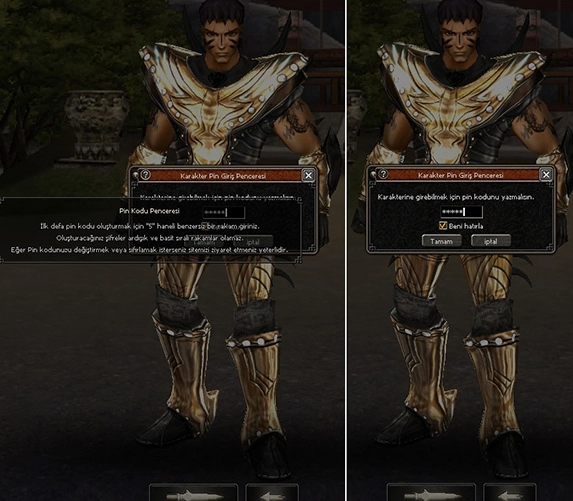
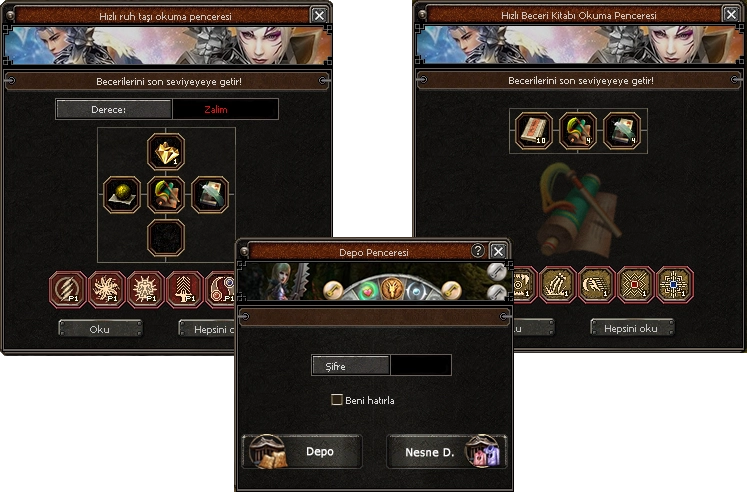
CHARACTER PIN CODE - Security New PIN Code Details: You
must enter your PIN code to access your account. To create a PIN code for the first time, enter a unique 5-digit number. The passwords you create cannot be sequential or simple number sequences. You can avoid having to enter your PIN code repeatedly by using the "Remember me" option on the PIN screen. If you wish to change or reset your PIN code, simply visit our website.

CHARACTER PIN CODE - Interface

OFFLINE MARKET

OFFLINE MARKET - Items - You can open your marketplace using the package you received from the seller or via the button in your inventory. You can
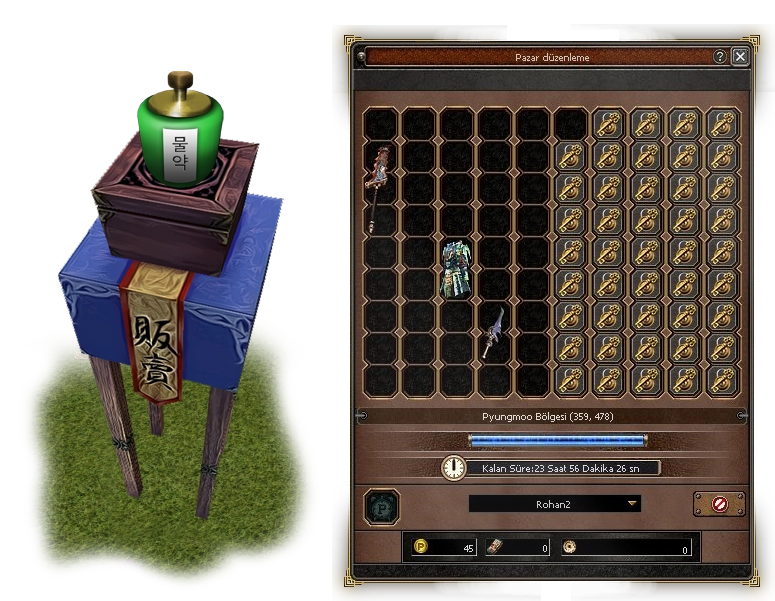
set up your marketplaces offline for 24 hours or 48 hours. You can view and edit your marketplace via the button on the mini-map. You can add items to the marketplace from here or remove items you have placed. Each character can open a maximum of 2 marketplaces.
OFFLINE MARKET - View


OFFLINE MARKET - UI - You can add more items by unlocking your personal marketplace. The locks you open with the
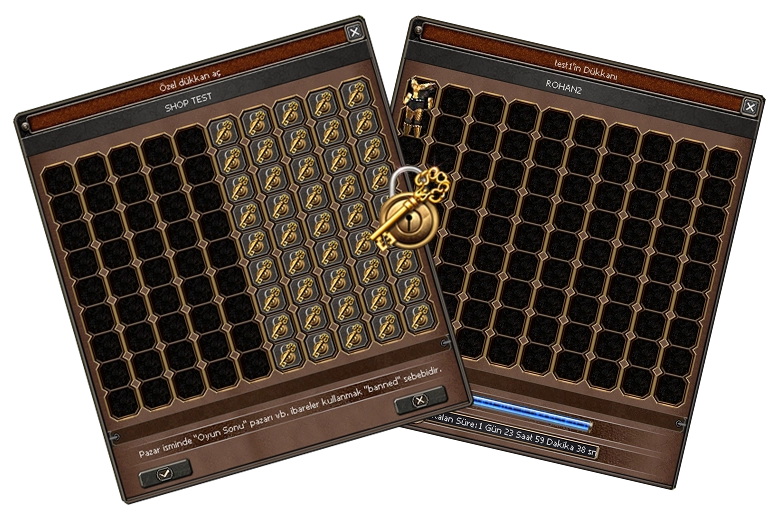
Marketplace Expansion item are permanent. When you have Marketplace Expansion in your inventory, simply click on the locked slots. You can extend the duration of your active marketplaces by placing an item in the duration adjustment slot. When you drag the Market Duration Parchment into the slot in the market editing area, you will earn market points. Once you have earned 500 market points, you can add 5 hours to your market duration.


OFFLINE MARKET - Management

OFFLINE MARKET - Gifts - Your marketplace will close automatically once the time period has ended or all your items have been purchased. You can collect the proceeds
from your sold items or any unsold items from the gift box that appears in the bottom left corner. You cannot set up a marketplace without first collecting your assets from the gift box
.

OFFLINE MARKET - Example You no longer need to have packages in your inventory. You can open your marketplace
with the offline marketplace button.

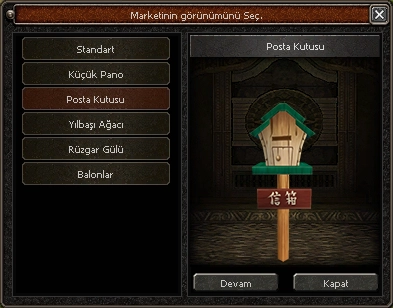
OFFLINE MARKET - Decoration - You can draw attention to your markets by giving them new appearances. You can obtain
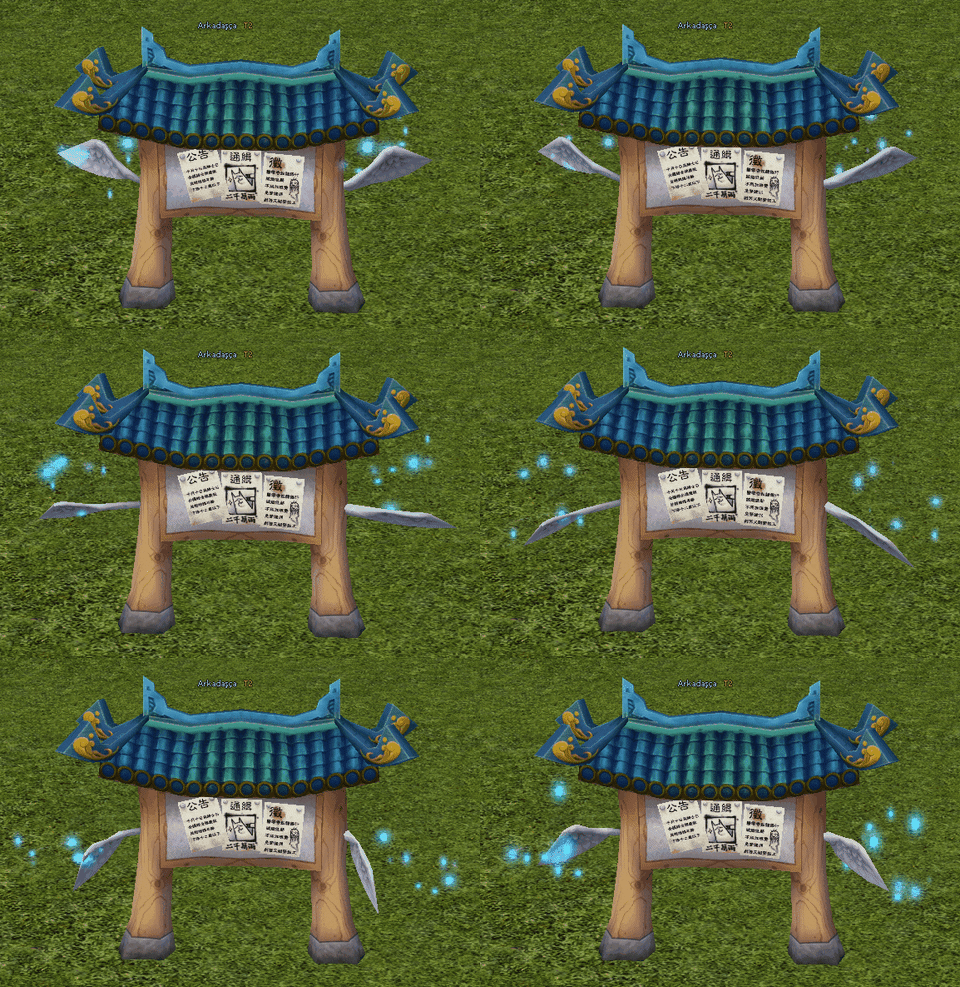
these appearances with different Kashmir packages. You can
obtain Kashmir packages from dungeons.

OFFLINE MARKET - System 1 OFFLINE MARKET - System 2 OFFLINE MARKET - System 3

Find out more CLICK +

TRADE MIRROR

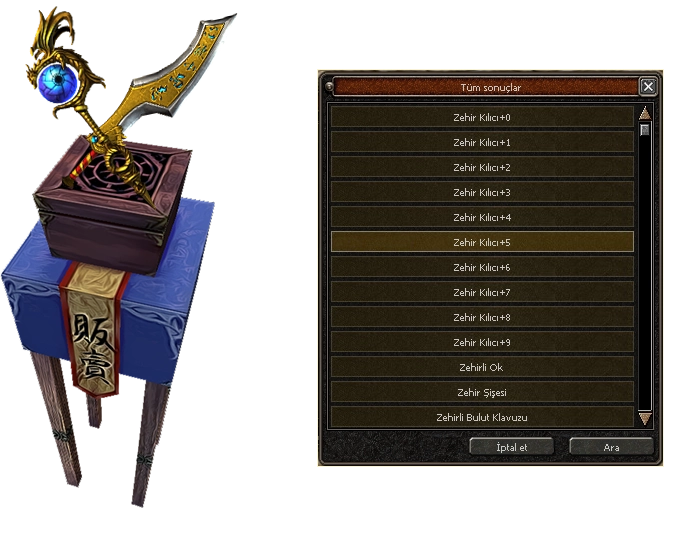
TRADE MIRROR - Search Icon You can open the Trade Mirror using the search button next to the inventory. To perform
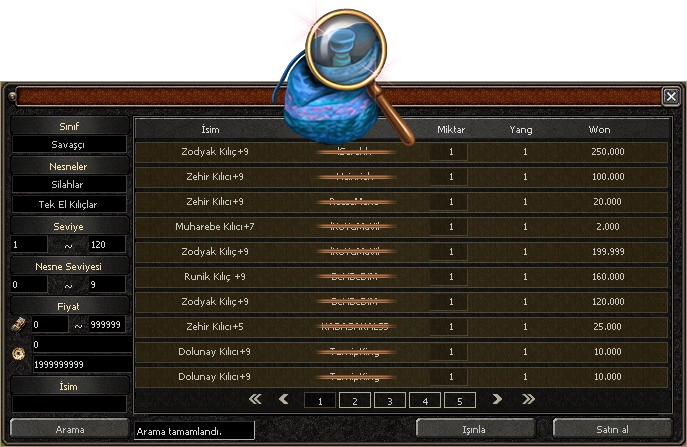
a search, you must have a Search Mirror in your inventory. You can obtain the Trade Mirror from the "Seller".
TRADE MIRROR - UI

TRADE MIRROR - Interface
The Trade Mirror allows you to purchase selected items directly without having to go to the market. If a market closes, the items within that market are removed from the search results. The quickest wins! If multiple players place purchase orders for the same item, the quickest player gets the item. You will not pay any connection or circulation fees for this use.
Important Warning: The Trade/Search Mirror you purchase from the seller only performs searches. To make
remote purchases, you must obtain the Trade Mirror+ item.


TRADE MIRROR - Results
The Trade Mirror allows you to purchase selected items directly without having to go to the market. If a market closes, the items within that market are removed from the search results. The quickest wins! If multiple players place purchase orders for the same item, the quickest player gets the item. You will not pay any connection or circulation fees for this use.
Important Warning: The Trade/Search Mirror you purchase from the seller only performs searches. To make
remote purchases, you must obtain the Trade Mirror+ item.


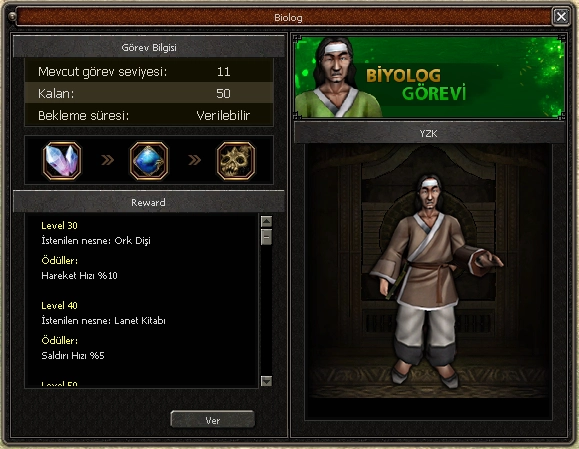
BIOLOGICAL RESEARCH

You can give the biologist his items without waiting until the Red Ghost Tree Branch.

BIOLOGICAL RESEARCH - Heart Beran's Heart immediately resets the duration
of the biologist's research. Do not use if you have no active duration remaining. The extract used cannot be recovered.

BIOLOGICAL RESEARCH - Orc ToothOrc Tooth
Time Limit: No time limit
BIOLOGICAL RESEARCH - DemonMemories of the Devil
Time Limit: No time limit
BIOLOGICAL RESEARCH - Curse BookThe Book of Curses
Time Limit: No time limit
BIOLOGICAL RESEARCH - Ice MarbleIce Ball
Time Limit: No time limit
BIOLOGICAL RESEARCH - ZelkovaZelkova Branch
Time Limit: No time limit
BIOLOGICAL RESEARCH - TugyisTugyis Sign
Time Limit: No time limit
BIOLOGICAL RESEARCH - Red GhostBreak. Ghost Tree Branch
Time Limit: No time limit
BIOLOGICAL RESEARCH - LeaderLeaders' Notes
Time Limit: 30 Minutes
BIOLOGICAL RESEARCH - Kem EyeEvil Eye Jewellery
Time Limit: 45 Minutes
BIOLOGICAL RESEARCH - WisdomThe Jewel of Wisdom
Time Limit: 60 Minutes
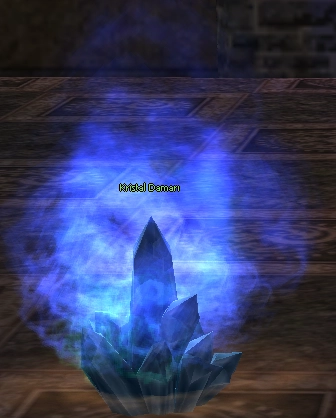
BIOLOGICAL RESEARCH - ExileExile Vein Crystal
Time Limit: 60 Minutes


BIOLOGICAL RESEARCH - Button Biologist Window Button
You can access the Biologist Window button either by pressing the "X" key or via the "Expand Chat" button.
BIOLOGICAL RESEARCH - Skipia BIOLOGICAL RESEARCH - System

BIOLOGICAL RESEARCH - Chaegirab Biologist Chaegirab
Our Biologist system provides you with the necessary materials to carry out your tasks wherever you are, whenever you wish. It also informs you of the time remaining and the quantity of items you need to deliver. Complete your tasks remotely with Biologist C. without any hassle!

SPIRITUAL SYSTEM

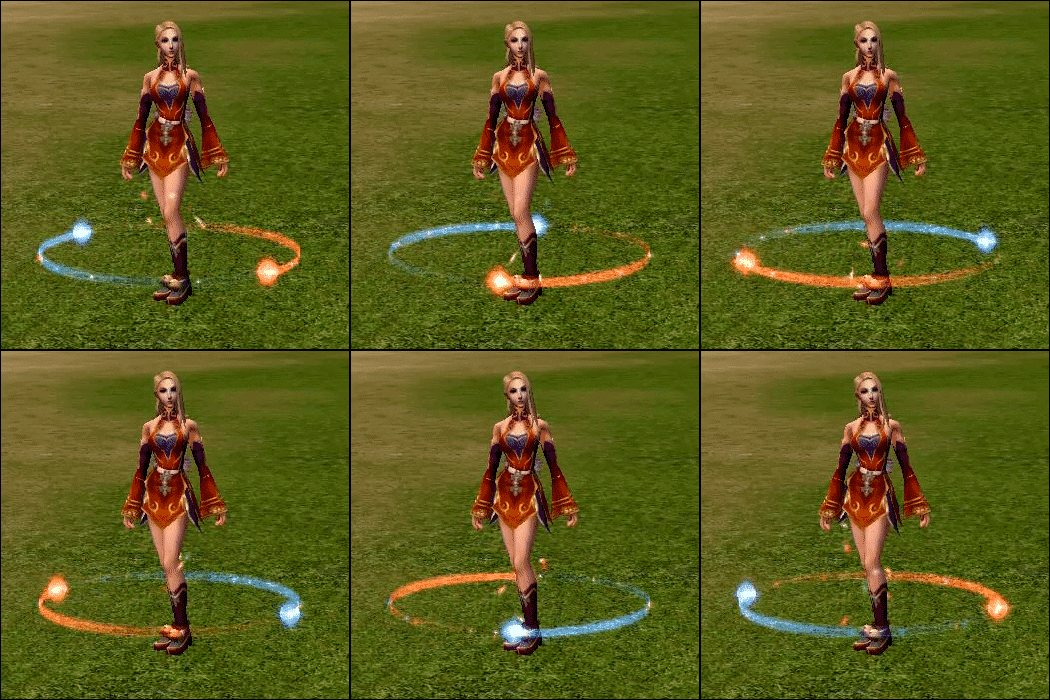
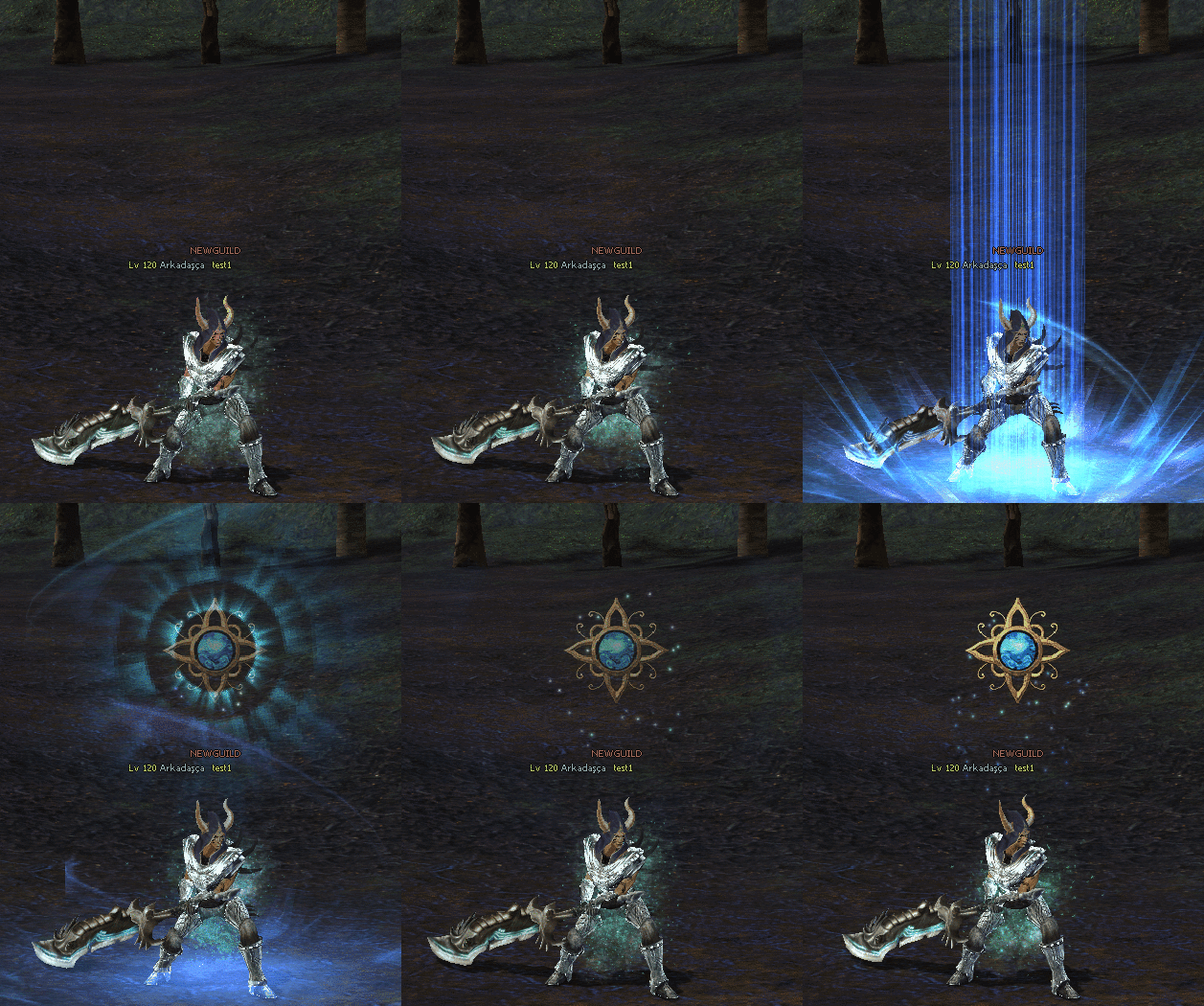
SPIRITUAL SYSTEM - Icon Dream Spirit: Increases attack damage. Sky Spirit: Increases skill damage
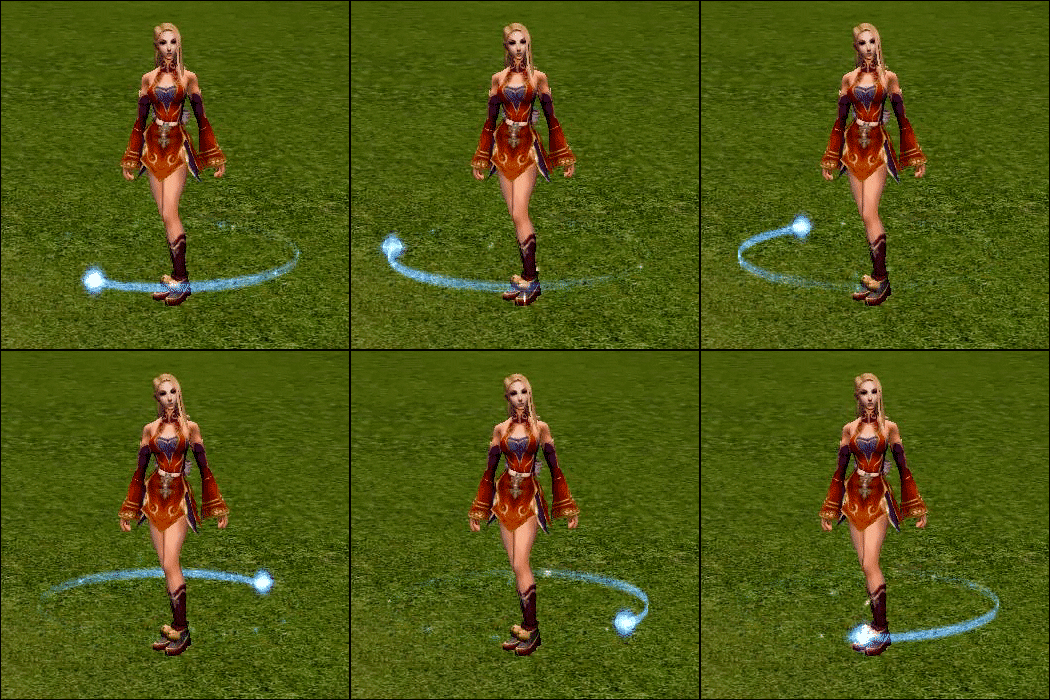
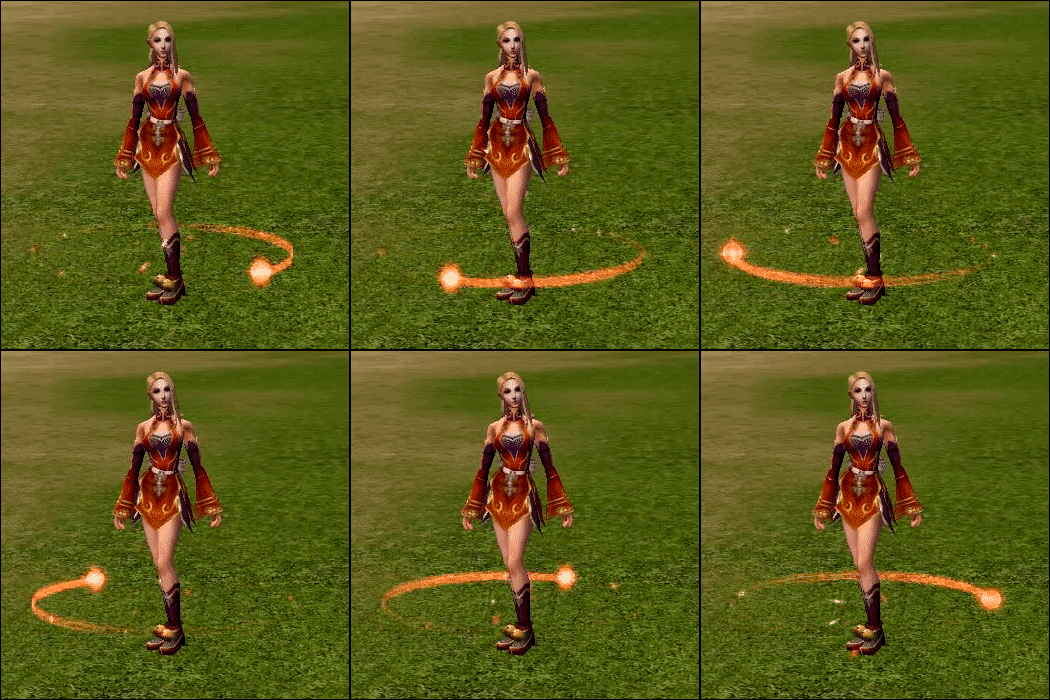
. Spirit Enhancer - Randomly increases the attack damage or skill damage of Spirits.
Spirit Replenisher - Replenishes the remaining attacks of Spirits by +50.
Spirit Replenisher+ - Replenishes the remaining attacks of Spirits to the maximum value.
SPIRITUAL SYSTEM - Animation 1 SPIRITUAL SYSTEM - Animation 2 SPIRITUAL SYSTEM - Animation 3
SPIRITUAL SYSTEM - Info - Effects are only valid in PvE. They are not valid in PvP or when transformed. A spirit's effect can only be activated once the game time displayed in the tool tip has been reached. Both spirits can be activated simultaneously. An active spirit envelops you like a sphere. Each spirit contains a predetermined amount of attack. This amount is displayed in the tool tip. The Dream Spirit affects each strike against the enemy. The Sky Spirit affects each skill used against the enemy. You can increase the levels of your spirits and thus improve them. To do this, you will need the following items from the item market: You can


increase the level of your spirits, thus improving them. Spirit Parchment – Increases your spirit's level by up to two levels. The process may fail. When you increase your spirit's level, its effect and validity period will increase, and the attack count will be filled.


- The following levels are available:
* Shining Spirit (Game Duration: 1 Hour / Validity: 1 Day)
* Flickering Soul (Game Duration: 2 Hours / Validity: 2 Days)
* Prismatic Soul Game Duration: 3 Hours / Validity: 3 Days
* Enlightened Soul (Game Duration: 3 Hours / Validity: 7 Days)


Find out more CLICK +

AURA SYSTEM

AURA SYSTEM - Header

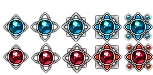
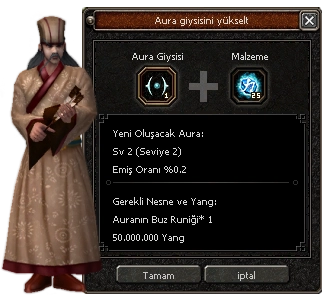
AURA SYSTEM - Icon The Aura garment can be upgraded and developed to reach higher levels. This increases the absorption rate of values. You can upgrade the Aura garment with ice runes dropped by monsters. The upgrade option becomes available at certain levels (49, 99, 149, 199, 249). The absorption rate of values varies depending on the level. Bracelet, necklace, earring, and shield values can be transferred to the Aura garment. Items whose values are transferred are destroyed in this process. A special sound effect has been added to the aura when sending it to the development screen and when wearing it.
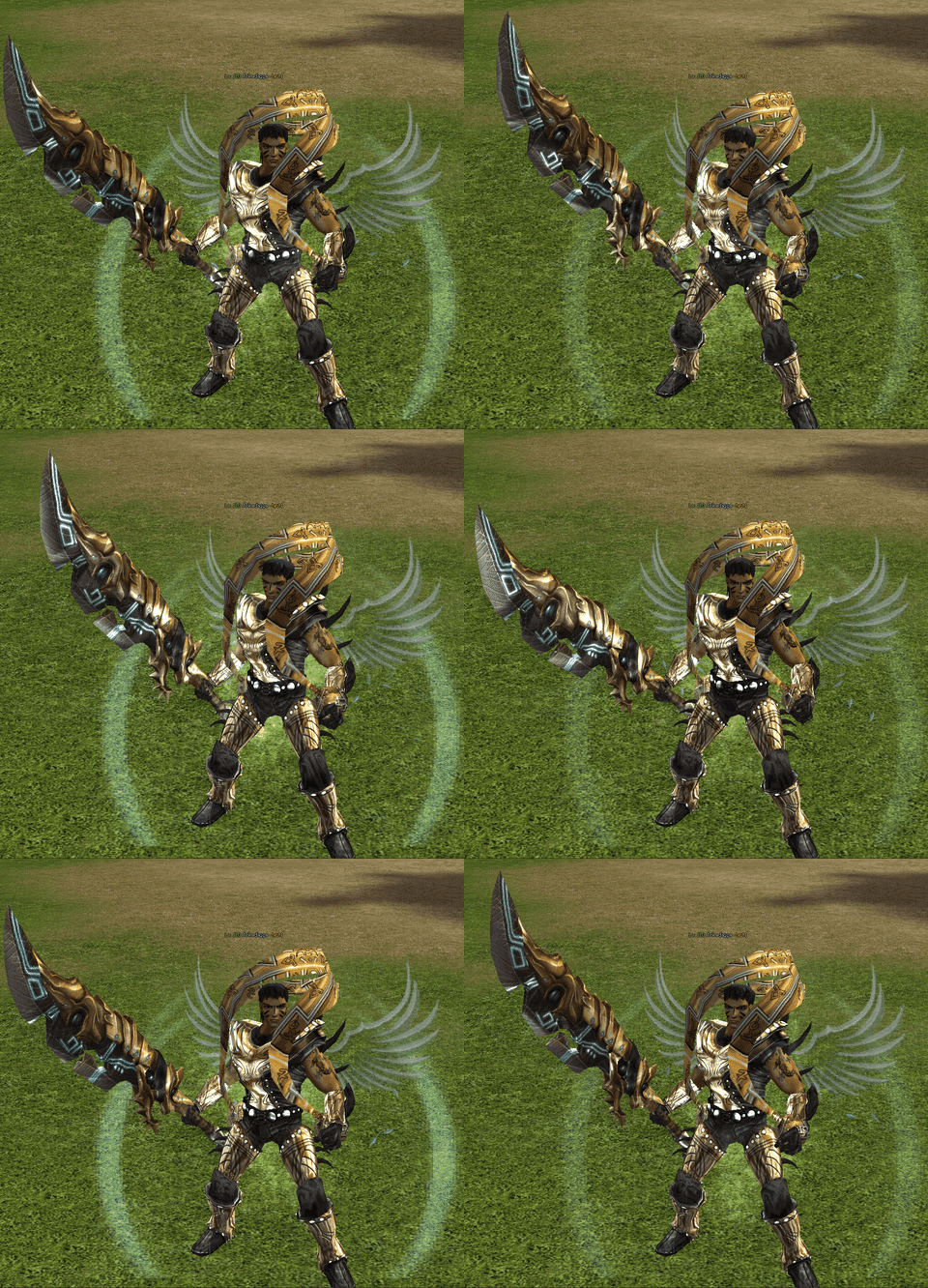
General Rules:
[Aura] Only aura garments, shields, necklaces, earrings, and bracelets can be added.
[Aura] Only aura garments and aura upgrade materials can be added to the [Aura] window.
[Aura] 50,000,000 yang is required to upgrade and enhance aura clothing.
[Aura] Does not work with soul-bound items.
[Aura] Does not work with aura clothing that already has an item transferred to it.
[Aura] You can only enhance aura clothing after upgrading it.
AURA SYSTEM - Animation
AURA SYSTEM - Item 1General Aura Garment You can transfer the value of jewellery
to the aura garment at a specific absorption rate. You can upgrade the aura garment with ice runes. It can be upgraded up to level 49 and developed from level 50 onwards.
AURA SYSTEM - Item 2Simple Aura Garment You can transfer the value of jewellery
to the aura garment at a specific absorption rate. You can upgrade the aura garment with the aura's ice runes. Can be upgraded from level 99 onwards.
AURA SYSTEM - Item 3Noble Aura Garment You can transfer the value of jewellery
to the aura garment at a specific absorption rate. You can upgrade the aura garment with the aura's ice runes. It can be upgraded from level 149 onwards.
AURA SYSTEM - Item 4Shimmering Aura Garment You can transfer the value of jewellery
to the aura garment at a specific absorption rate. You can upgrade the aura garment with ice runes. Can be upgraded from level 199 onwards.
AURA SYSTEM - Item 5Flashy Aura Garment You can transfer the value of jewellery
to the aura garment at a specific absorption rate. You can upgrade the aura garment with the aura's ice runes. Can be upgraded from level 249 onwards.
AURA SYSTEM - Item 6Shining Aura Garment You can transfer the value of jewellery
to the aura garment with a specific absorption rate.
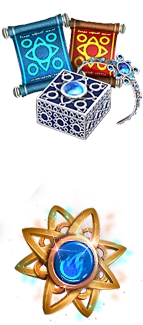
AURA SYSTEM - Ice RuneAura's Ice Rune The material
required to upgrade the Aura garment. Go to Teovahdan to upgrade the Aura garment.
AURA SYSTEM - Fire RuneAura's Fire Rune (10) The material
required to upgrade the Aura garment. Go to Teovahdan to upgrade the Aura garment.


AURA SYSTEM - Interface Find out more CLICK +

Talismans

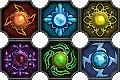
Talismans - Header

Talismans - Icon You can add 4 enchantments and blessings to talismans using Ancient Enhancement Paper, just like other items, and add a 5th enchantment using the Blessing Sphere. This gives a total of 6 enchantments. You can upgrade talismans up to level +4 with a 0% chance using Battle Paper. Charms are enchantment-less at level +0; their base enchantments appear at level +1 and beyond. When charms are locked with a Binding Parchment, they cannot be sold to a vendor, dropped, sold, or upgraded like other items.
Talismans - Zodiac Thanks to the temple's secret knowledge, powerful elements began to be produced against the Creatures. Obtaining and developing these elements will be the beginning of a challenging journey. Prepare for battle! Rumour has it that you can purify these elements at Monk Milbon or obtain them from the temple's powerful chests. Choose your element and uproot the creatures of the realm! Remember, the secret realms and secret sciences have only just begun to open their doors. You will face countless evils and unknowns. Be resilient and strong!
Talismans - Elemental The enchantment system empowers your character by granting you the power of the elements, making you stronger.

Every monster draws its power from a specific element; if you use the appropriate enchantment for the right monster, you will become more powerful. In addition
to enchantments, don't forget to visit the Elemental World to increase your elemental power.

Talismans - Elements

Find out more CLICK +

LEVEL TASKS

LEVEL TASKS - Detail 1 You can access level tasks via the button.
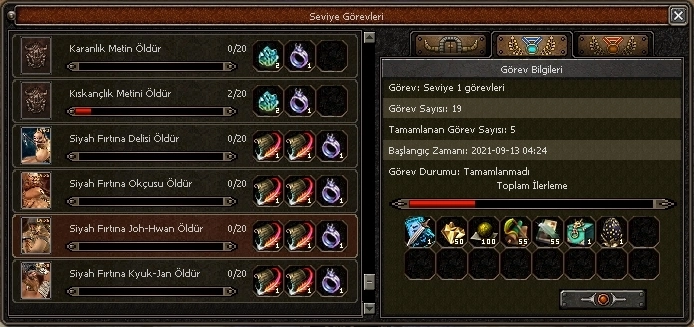
Level tasks are a system that provides you with unique rewards. Depending on each level, you are required to eliminate creatures and monsters in different ways. Completing these tasks will grant you numerous rewards. Additionally, there are extra tasks with substantial rewards available between levels. You can obtain many unique items from here.

LEVEL TASKS - Detail 2
LEVEL TASKS - Battle Pass

LEVEL TASKS - Battle Pass Icon You can also view those who completed the task earliest and examine the task details via the window. Once
the tasks are fully completed, they will be activated as stages; these will be Dungeon Tasks and Yohara Continent tasks.


CARD GAMES

CARD GAMES - Banner

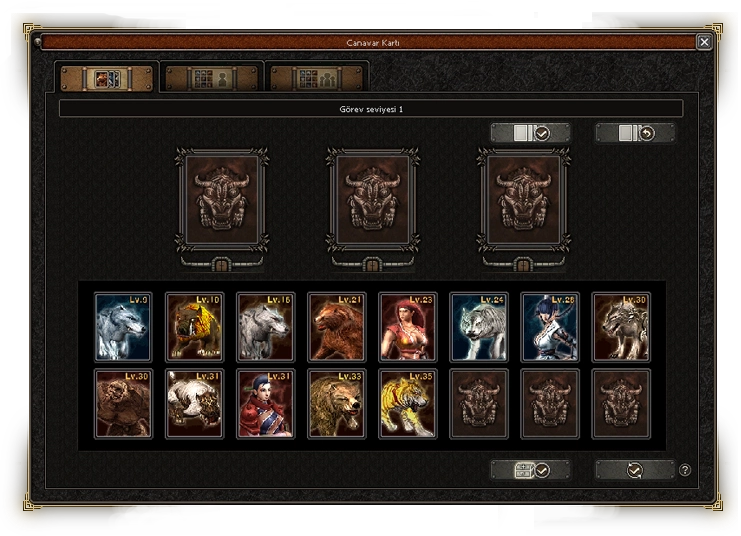
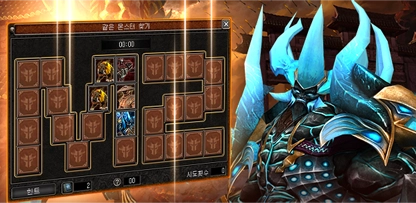
CARD GAMES - Button Monster Card System The
Monster Card system is available in our game. This system has, of course, been integrated into our game and adjustments have been made. By completing tasks in the Monster Card system, you can earn unique rewards and bonuses. But it's not easy!

CARD GAMES - Icon
CARD GAMES - UI

MAILBOX

MAILBOX - Icon 1 You can send messages, items, and gifts to your friends via the Post Box.
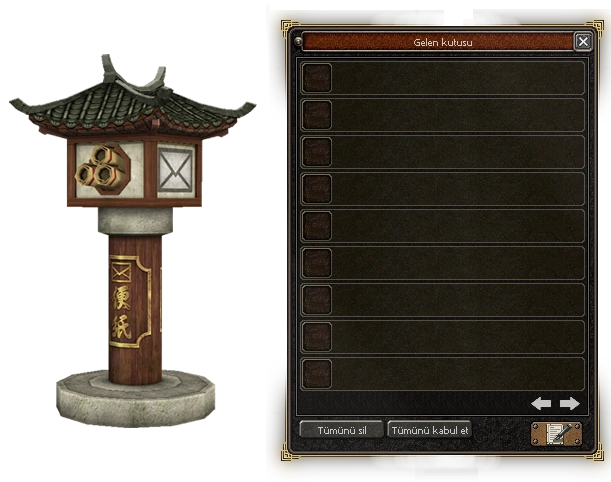
Letter: This is a system that allows you to send items and yang you possess to your friends or other characters. You can carry out your transactions by going to the Post Box next to the Storage. For example, you can send gifts or messages to friends who are not in the game. Each time you send a message, a fee of 1 million yang is charged.

MAILBOX - Icon 2
MAILBOX - Interface

MAILBOX - Item If you have received a letter, a message button will appear on the mini map.
If you have a Post Box object, you can open it remotely; otherwise, you can go to the Post Box YZK. and open it.
MAILBOX - GM Mail When the administration sends gifts to players, you will be able to receive them in your mailbox.
Additionally, any refunds that may be required will be processed via the mailbox, and the incoming mail icon will feature a GM icon.

GRAB THE OPPORTUNITY

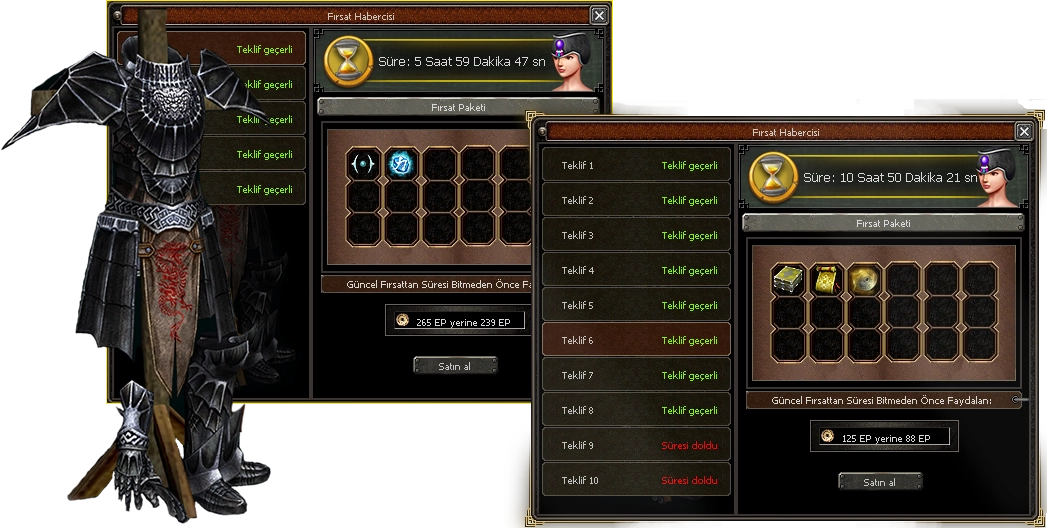
GRAB THE OPPORTUNITY - Icon The future is uncertain and comes for a limited time only. Seize
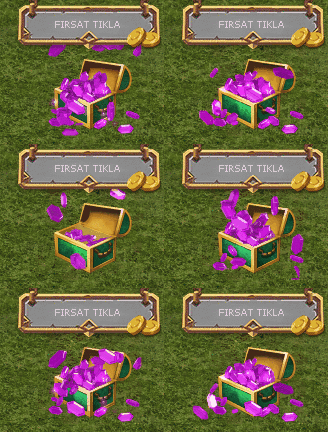
the opportunity and don't miss out on discounted items! You can purchase unique items with discounts of up to 50% just for you. This way, you can obtain and use many items at a lower cost. Our players can learn about these opportunities in the Event section.

GRAB THE OPPORTUNITY - Animation
GRAB THE OPPORTUNITY - Detail

GRAB THE OPPORTUNITY - Items You will now be able to receive special offers within the game. For example, an item with a total or individual value of 250 EP in the item shop will be offered to you at a special discounted price of 180 EP via the item opportunity notification. When an offer is available, a notification will appear in the top right corner of the game. You can view the package contents and price by clicking on the notification.
Find out more CLICK +

PRICE CONTROL

PRICE CONTROL - Interface

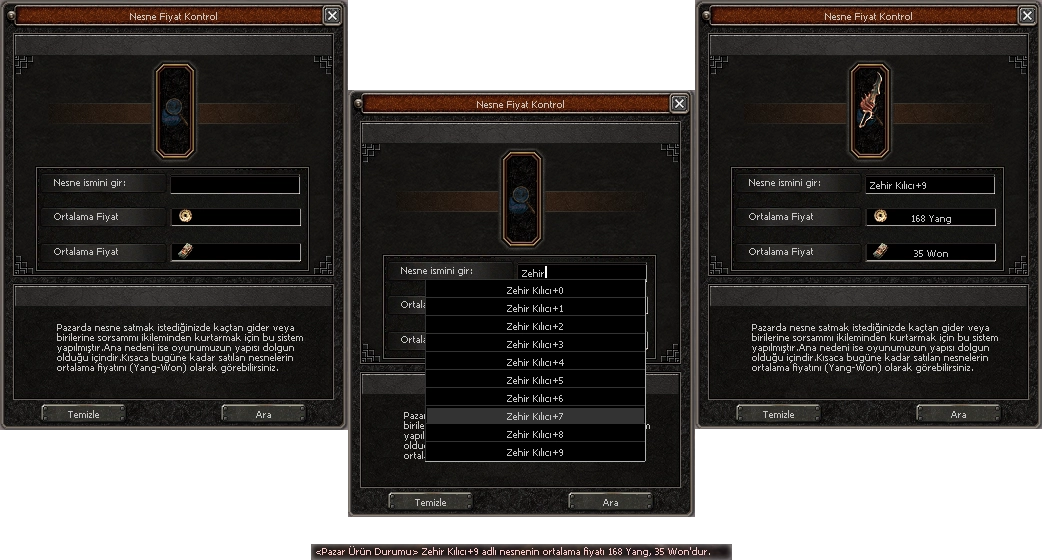
PRICE CONTROL - Button You can access the Price Control button either by pressing the "X" key or via the "Expand Chat" button.
If you are one of our players who is new to the market or just starting the game, there is no need to worry. With the Item Price Control, you can learn the price ranges of all items sold on the Offline Market and find out the average price set accordingly. This way, none of our players will encounter any issues.


EFSUN BOAT

EFSUN BOAT - Interface

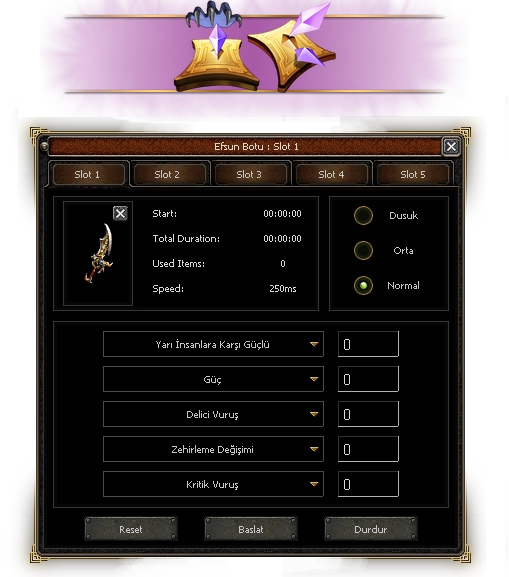
EFSUN BOAT - Icon You can access the Enchantment Bot button either by pressing the "X" key or via the "Expand Chat" button. With the Enchantment Bot
system, which guarantees 100% enchantment success, you no longer need to worry when enchanting your items. Even if you experience lag/ping or your computer is running slowly, you can now leave the Enchantment Bot to do its work without any problems. When your enchantments are complete, the top section will turn green, or if the Enchantment Item is finished, it will turn red to inform you.


Dungeon Systems

Dungeon Systems - Board

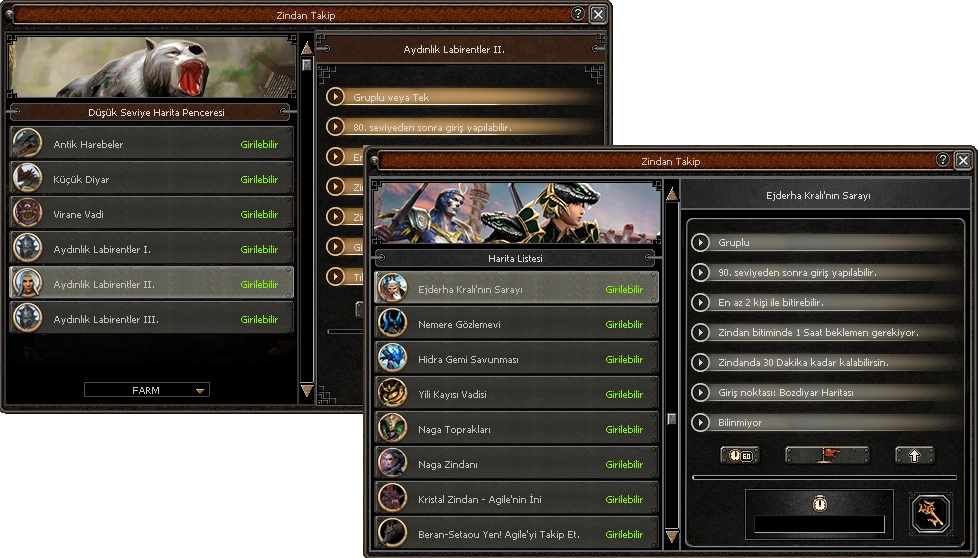
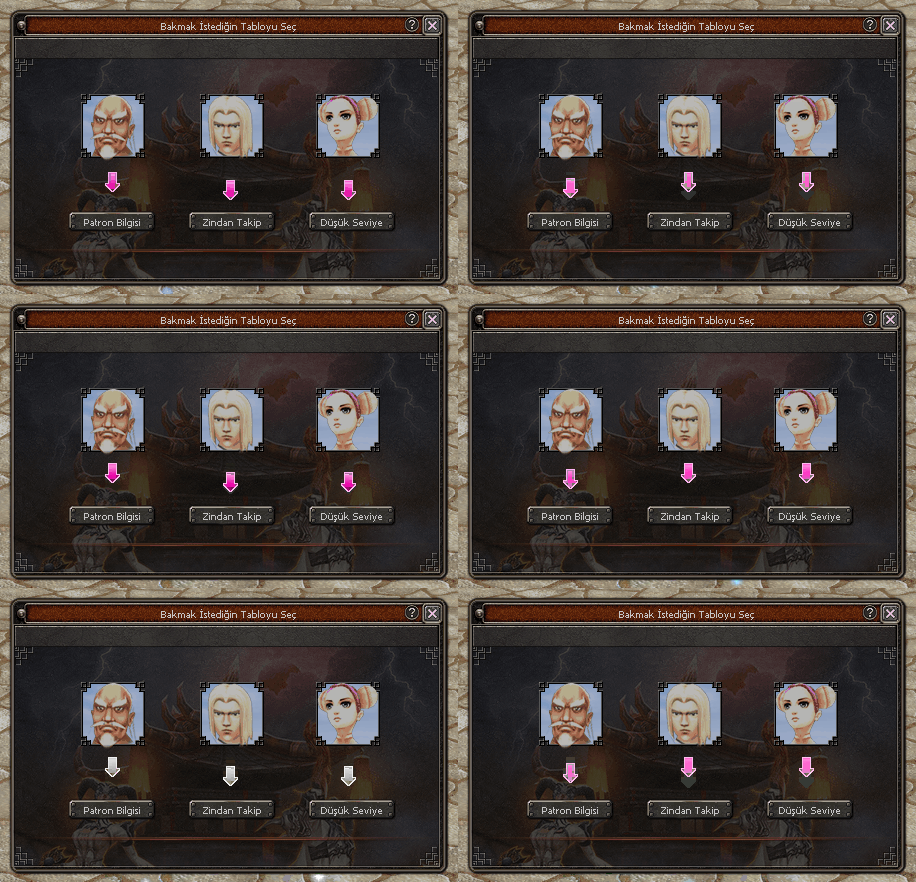
Dungeon Systems - Party Button You can access the Dungeon Systems button either by pressing the "X" key, via the "Expand Chat" button, or via the "P" (Boss Tracking) button on the mini-map.
Dungeon Information: Dungeon information does not only provide you with information about the Dungeon. It also provides you with information on how much cooldown time you have left and/or the option to teleport directly. If you wish, you can also check and reset the waiting/cooldown time here. You will be able to keep track of new dungeons as they arrive via this list.

Dungeon Systems - Dungeon 1

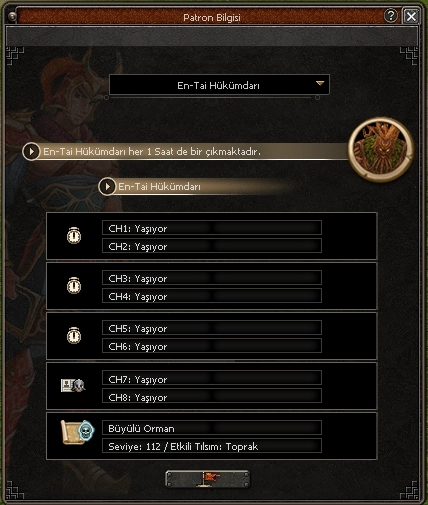
Dungeon Systems - Party Button 2 Boss Tracking Window
Boss Information: With this system, you can find out which Boss creature you want to live or when it will spawn. Detection and control are also available on 6CH/8CH. You can obtain information about all bosses.
You can also find out the map it is located on, its level, and any effective enchantments from this window.
If there is a channel via 8CH, it will be added to the window with an update.

Dungeon Systems - Dungeon 3

Find out more CLICK +

EXTRA SYSTEMS

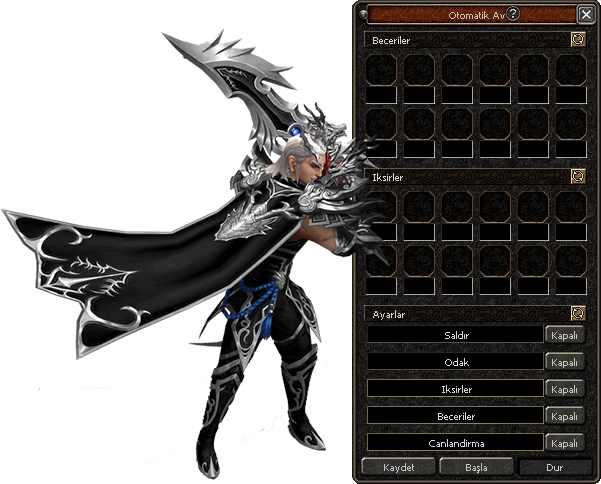
EXTRA SYSTEMS - Auto Hunt Icon Auto Hunt
Auto Hunt Assistance: Skills: Select skills for battle and drag them into the slots. (Premium) Note: You can set the activation frequency (in seconds) below the skills. Potions: Select potions for battle and drag them into the slots. (Premium) Note: HP and SP potions activate when your HP or SP falls below the % value displayed below the potion. Note: The duration of other potions is displayed in seconds.

EXTRA SYSTEMS - Auto Hunt UI

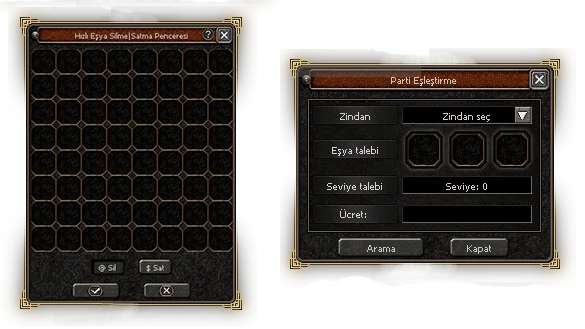
EXTRA SYSTEMS - Fast Sell Icon Quick Item Deletion and Sale Window: You can open it with
the "X" button next to your inventory.
Party Matching - Group Search: You can search for the
dungeons you want to enter and join them with different people. Group Call: If you don't have a team/guild and are looking for friends to join you in dungeons, this system is perfect for you! You no longer need to search for someone via global chat; with this system, you can call out to other players like yourself and form a group.

EXTRA SYSTEMS - Min Ex System

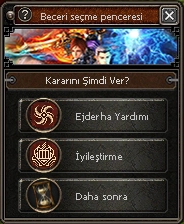
EXTRA SYSTEMS - Skill Select Icon Skill Selection Window: When you reach
level 5, the skill selection window will appear.
If you select the 'Later' option, a reminder will appear during your teleportations.

EXTRA SYSTEMS - Skill Select UI

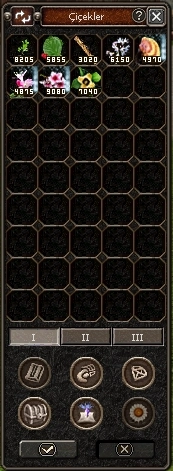
EXTRA SYSTEMS - Inventory Icon Additional Inventory: You can access it using the "X" key or the "Expand Chat" button. You can open the additional inventory directly using the "K" key.
The item stack size is 99,999.

EXTRA SYSTEMS - Inventory UI

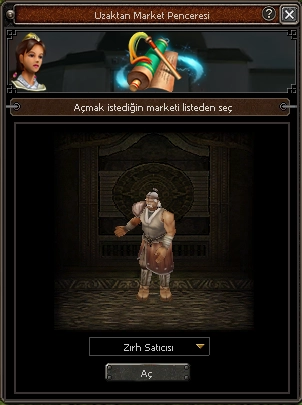
EXTRA SYSTEMS - Remote Shop Icon Remote Market Window Thanks to the
button next to the inventory, you will be able to shop remotely without having to go to the villages.

EXTRA SYSTEMS - Remote Shop UI

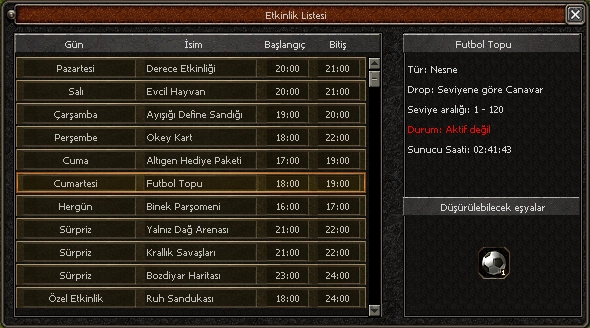
EXTRA SYSTEMS - Calendar Icon Event Calendar: You can access it via the "E" button on the mini map.
Routine Events: These are events with a specific date and time.
Special Events: These are surprise events or events announced in advance that do not have a specific date and time.

EXTRA SYSTEMS - Calendar UI


BERAN SETAOU INFORMATION

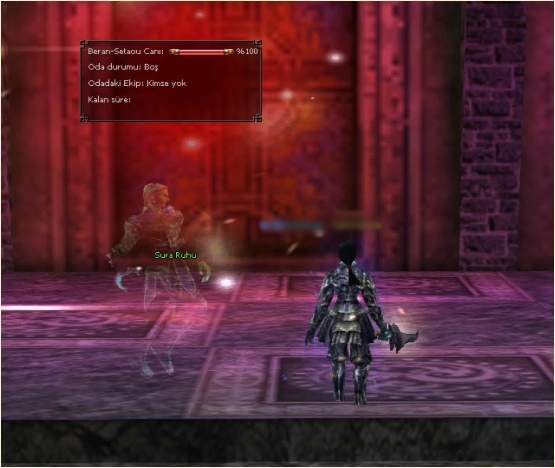
BERAN SETAOU INFORMATION - Logo Beran Setaou Information Window: While
waiting in line for the room, you will be able to see the room information instantly and actively on Sura Spirit. You can only see the room information when you approach Sura Spirit. The
information you can see is as follows: - Beran Setaou Max HP
- Room Status
- Guild/Team in the Room and - Time Remaining

BERAN SETAOU INFORMATION - System


RANKINGS

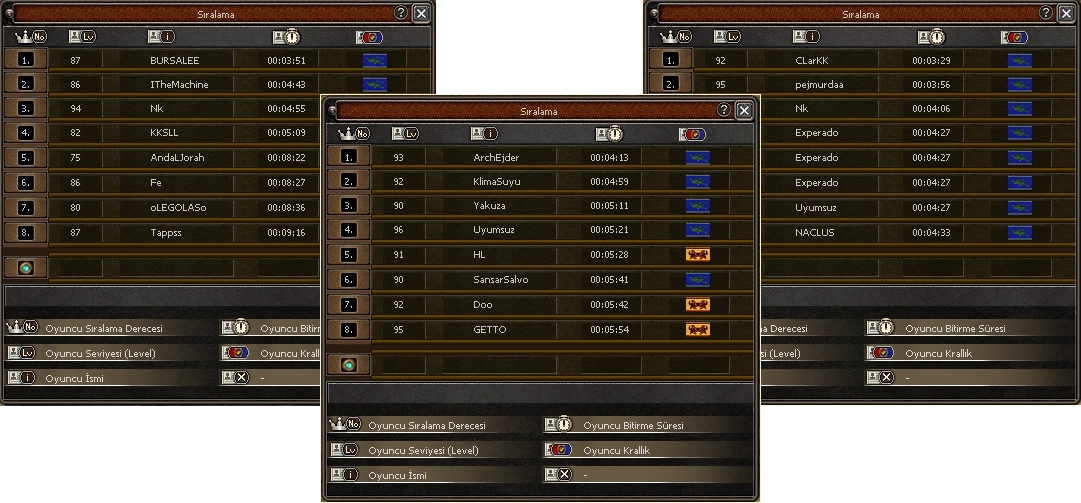
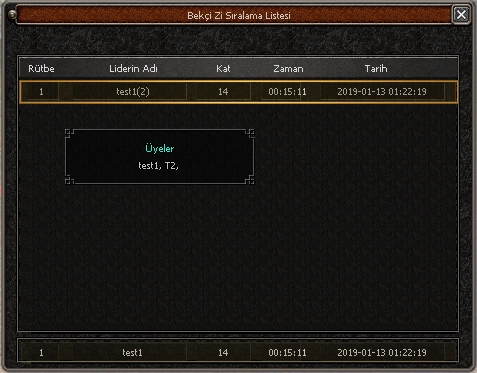
RANKINGS - Dungeon Icon Dungeon Rankings; The information and
data included in the rankings are outdated and belong to players on our Ephesus server.
Rankings can be accessed either through Dungeon Tracking or via the relevant NPC/YZK.
Images in order:
* Devil's Tower
*
Underground Devil's Cemetery * Blue Dragon Room


RANKINGS - Efes Data


RANKINGS - Zodiac


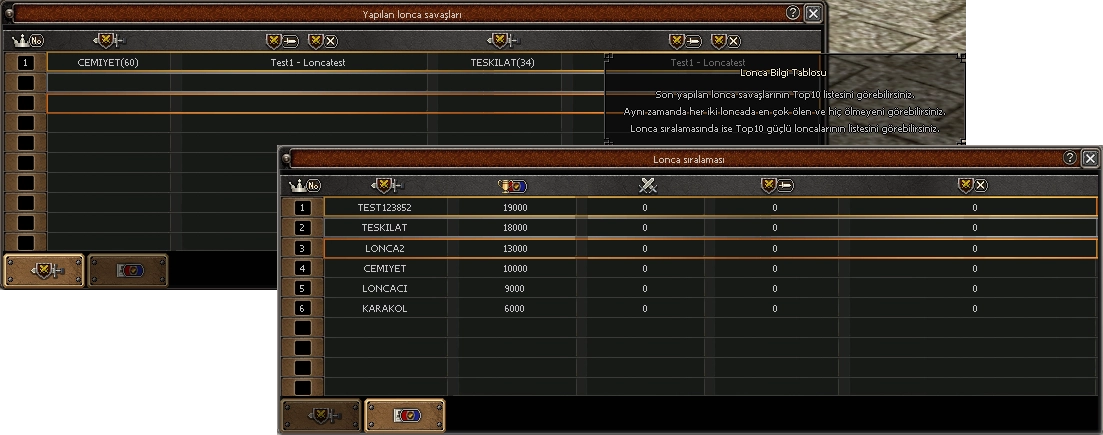
RANKINGS - Guild Icon You can access the window button either by pressing the "X" key or via the "Expand Chat" button. Top 10 Battles: Shows the most
recent battles in the game and the players from each guild who died the most and those who did not die at all in that battle. Top
10 Guilds: Ranks the most powerful guilds in the game.

RANKINGS - Guild Stats

SPECIAL PURIFICATION

SPECIAL PURIFICATION - Button Special Purifications: In addition to normal
purification in the game, there are purifications for special dungeons and quests.

Special purifications and their locations:
- Rebuilding the Exile: Exile Cave
- Agilen's Descent: Valley
- Underground Mines: Dragon's Nose

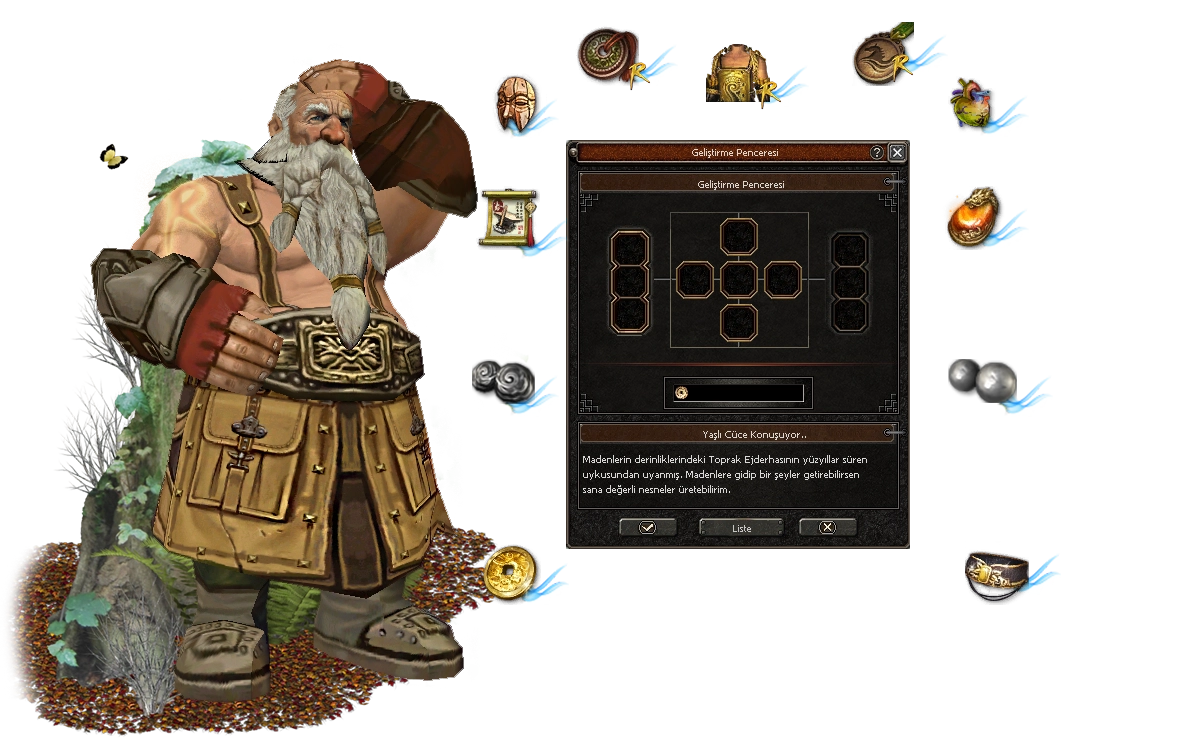
SPECIAL PURIFICATION - Aura

Find out more CLICK +
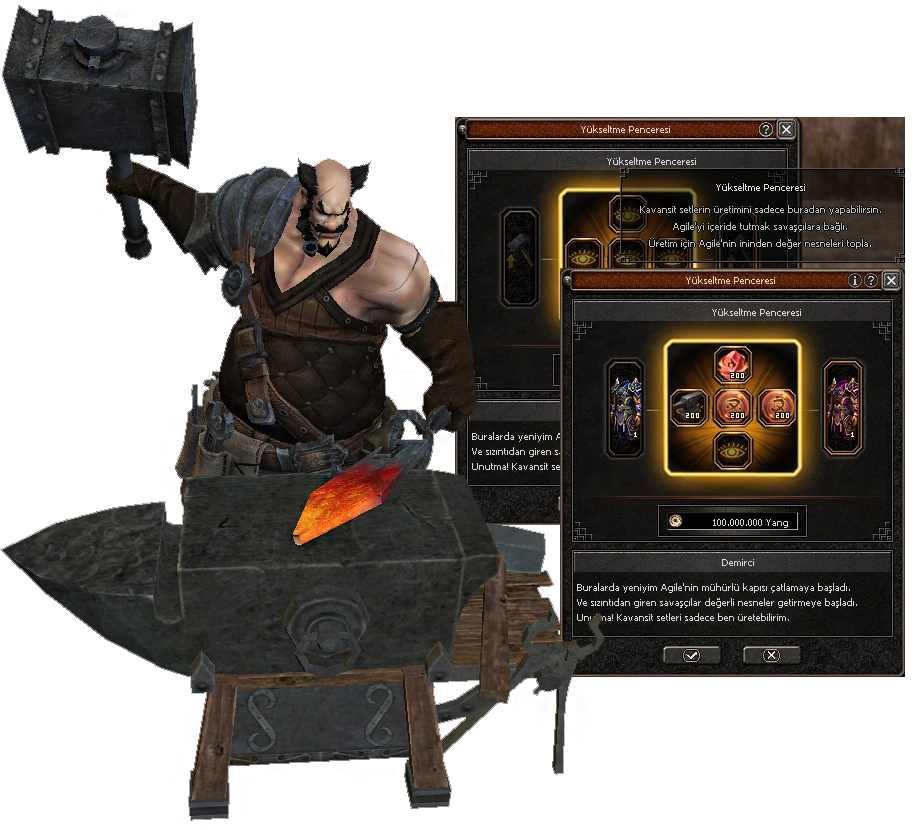
SPECIAL PURIFICATION - Agile

Find out more CLICK +

NEW LEVEL OF EVOLUTION

NEW LEVEL OF EVOLUTION - Icon New evolution level: Ice Crystal
* Level 7 evolution is no longer the final stage for your weapons; level 8 Ice Crystal has been activated with its new effect.
Elemental This allows you to unlock the weapon's next evolution level. Very few can see its enchanting nature these days.

NEW LEVEL OF EVOLUTION - Animation 1

NEW LEVEL OF EVOLUTION - Animation 2


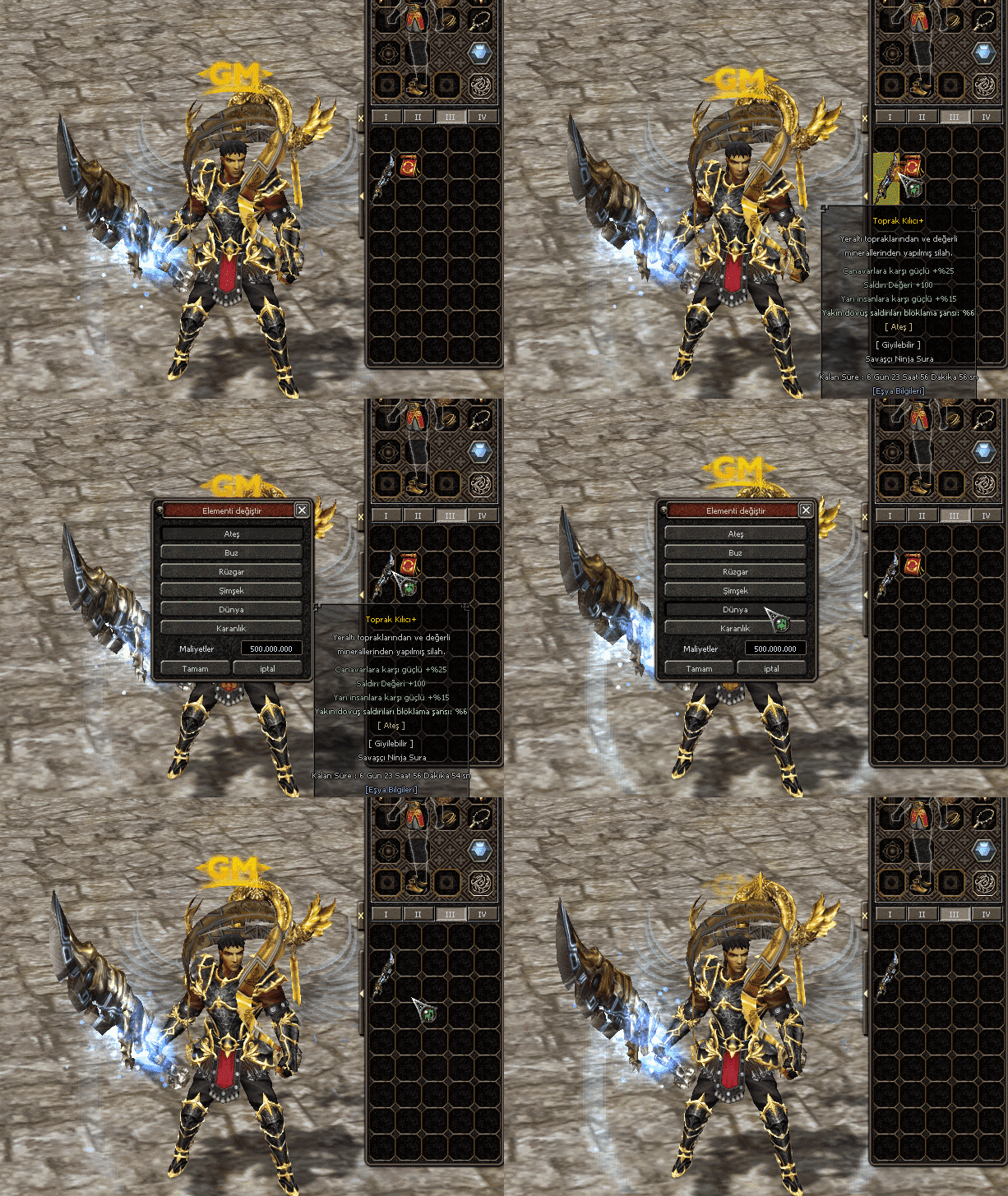
ELEMENTS YAZILARI

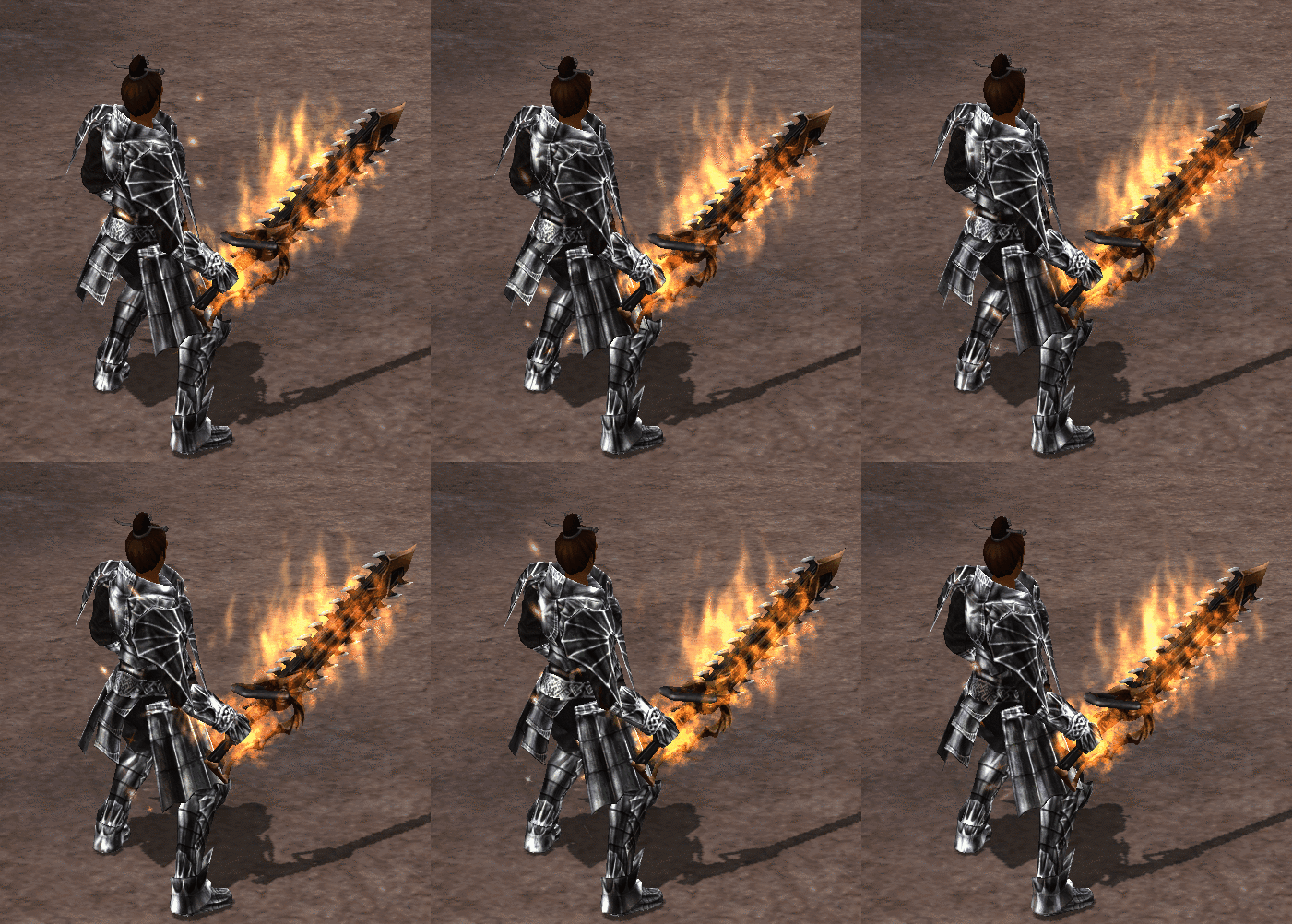
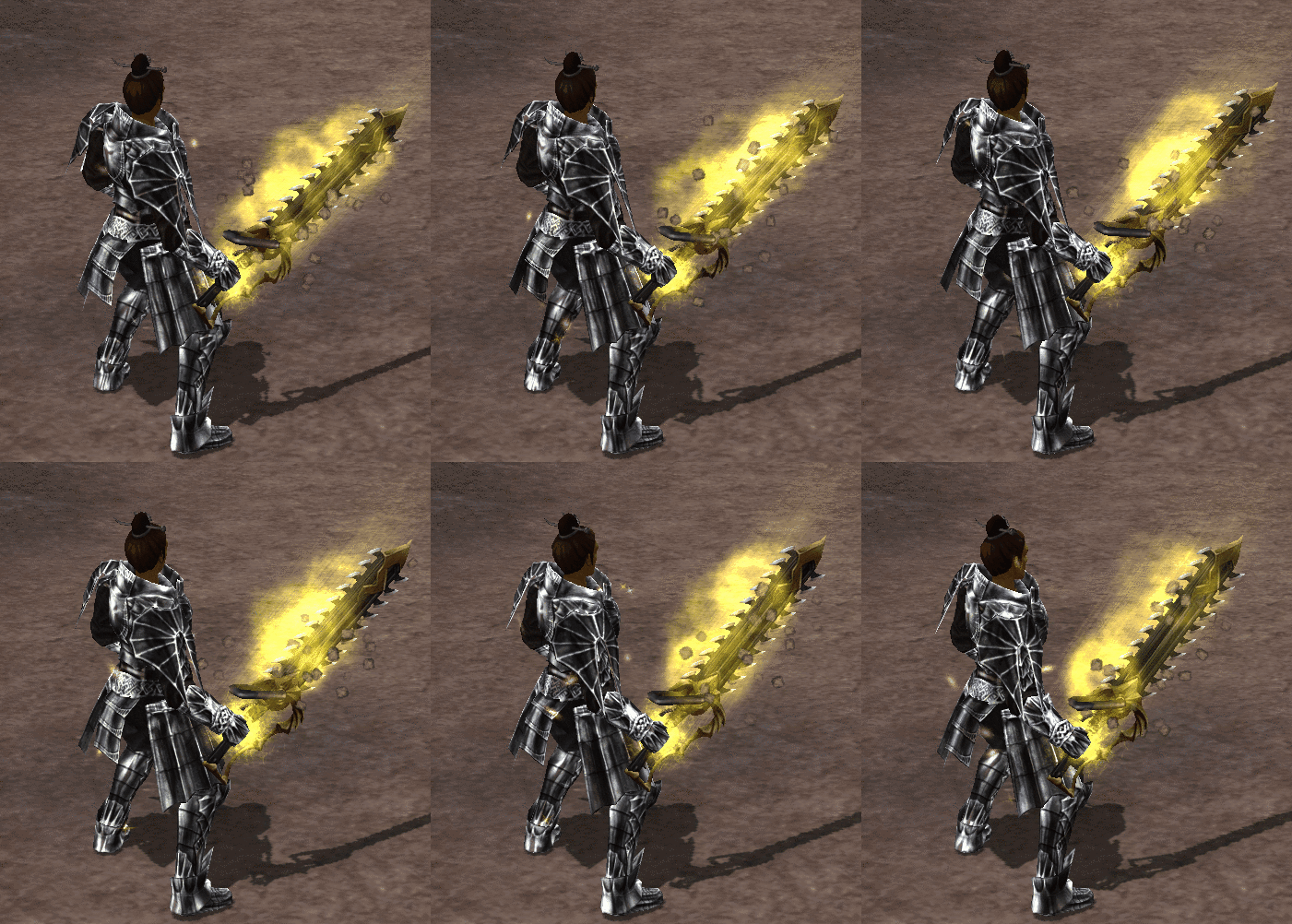
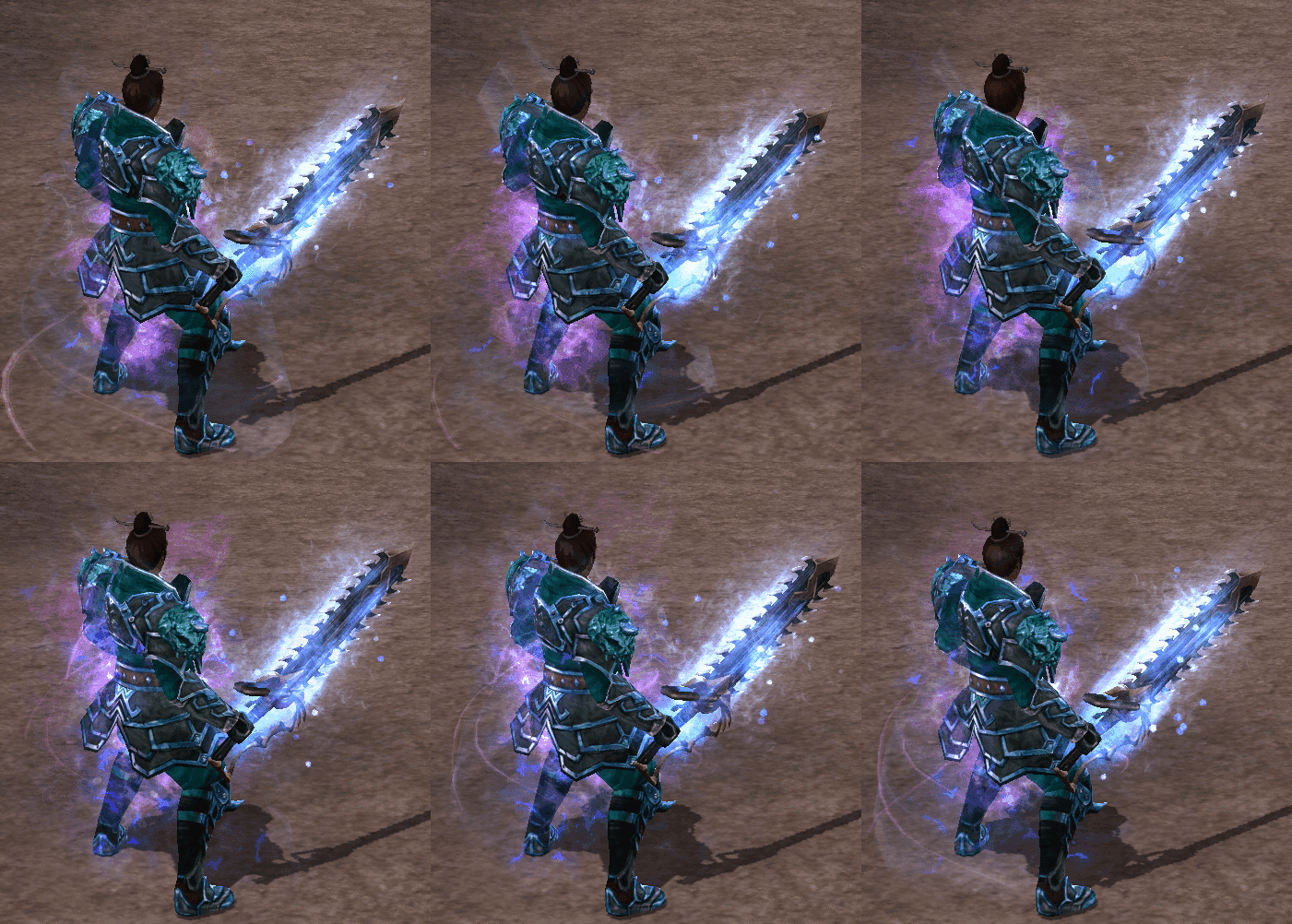
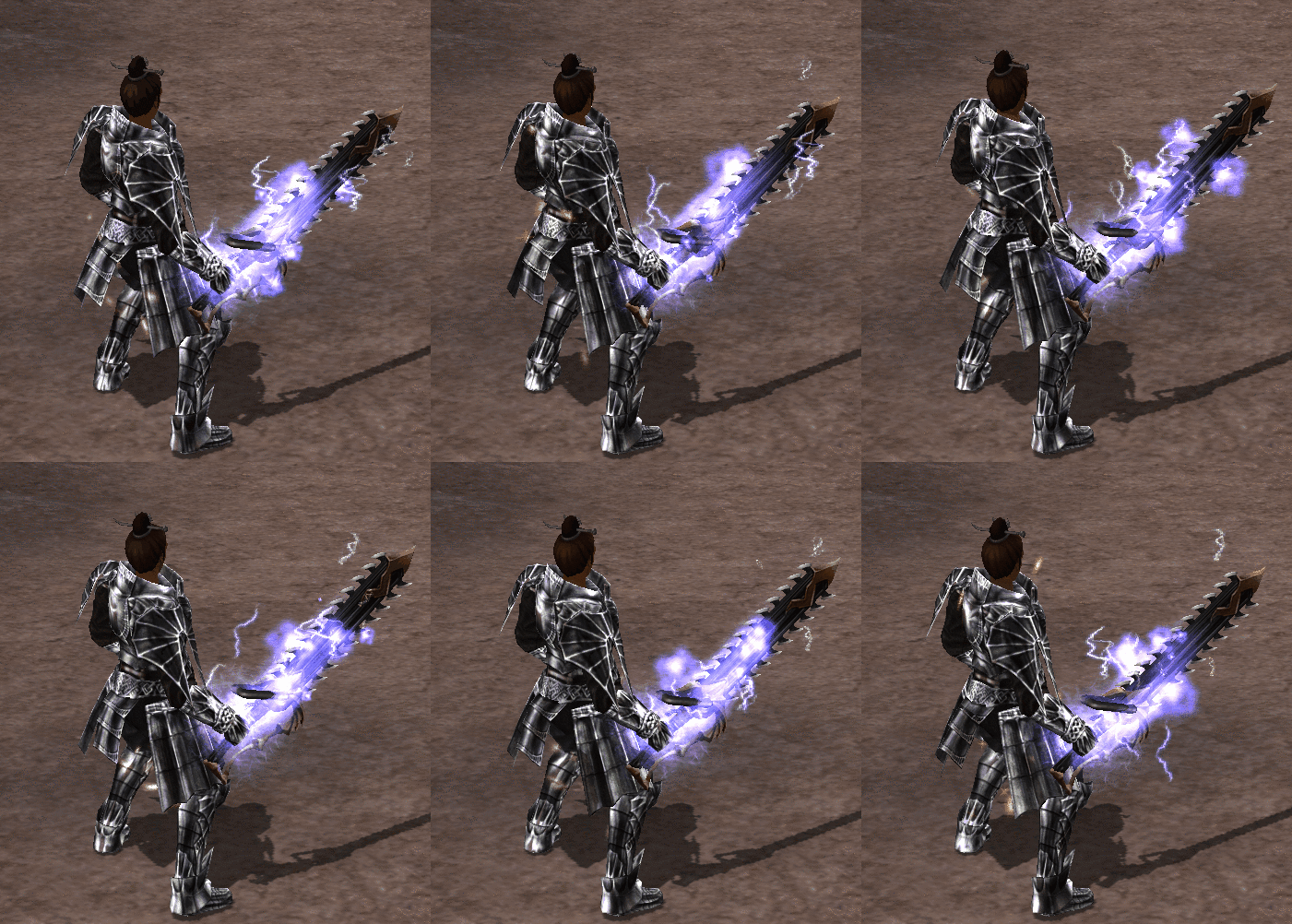
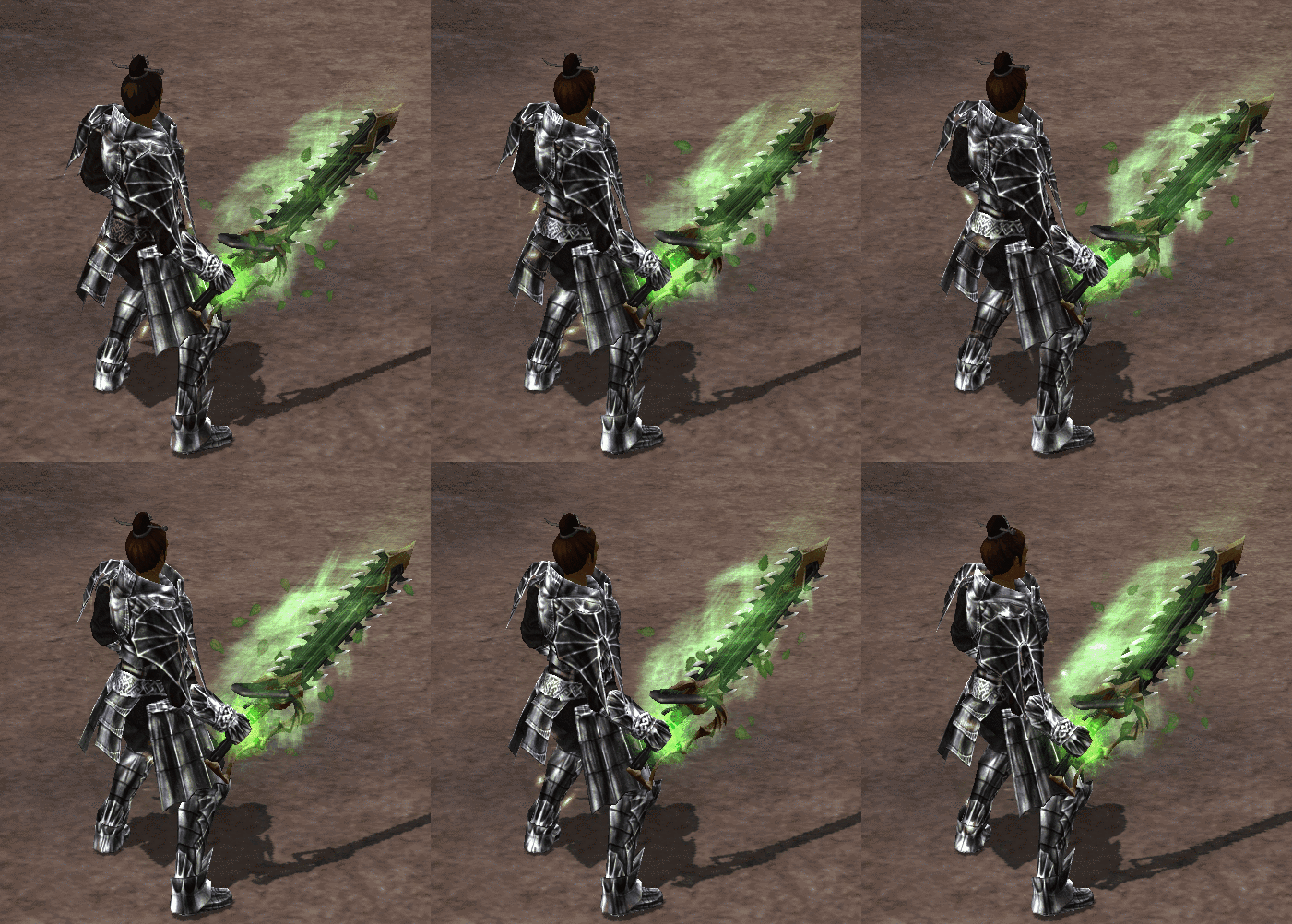
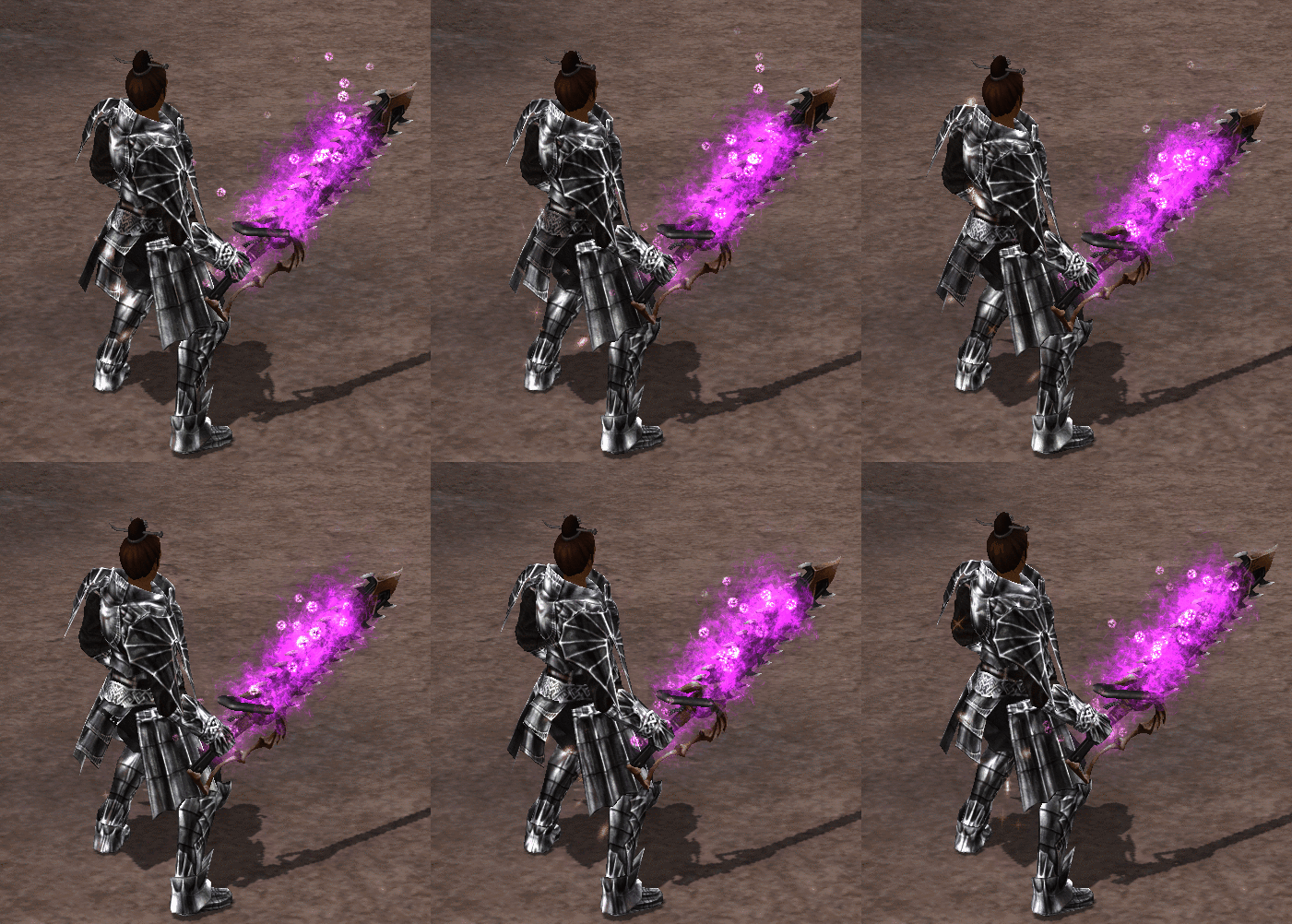
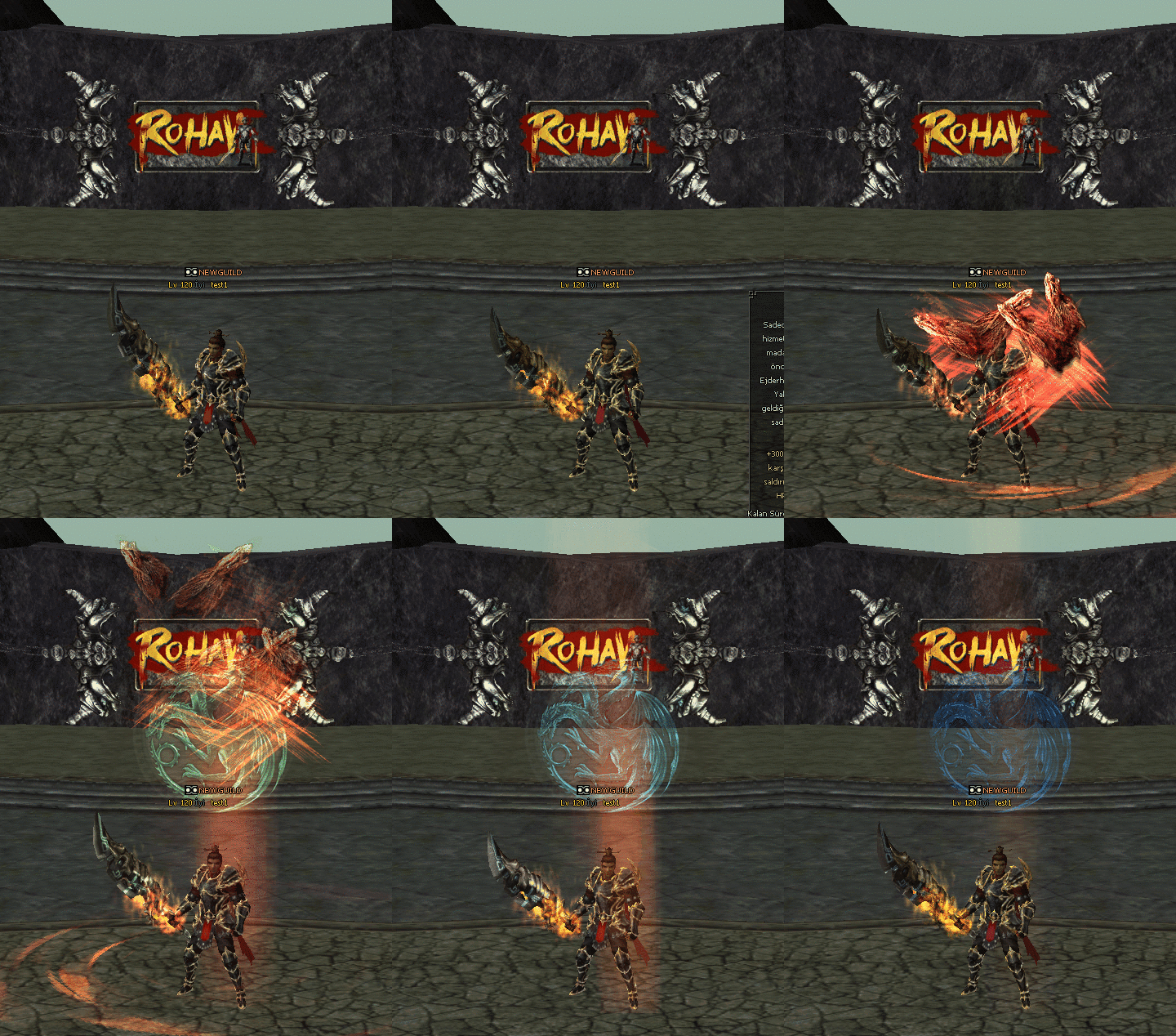
You can add an element inscription to a costume weapon.

ELEMENTS YAZILARI - Icon Official Elemental Inscription Change Process: You will need a "Change Inscription" to alter
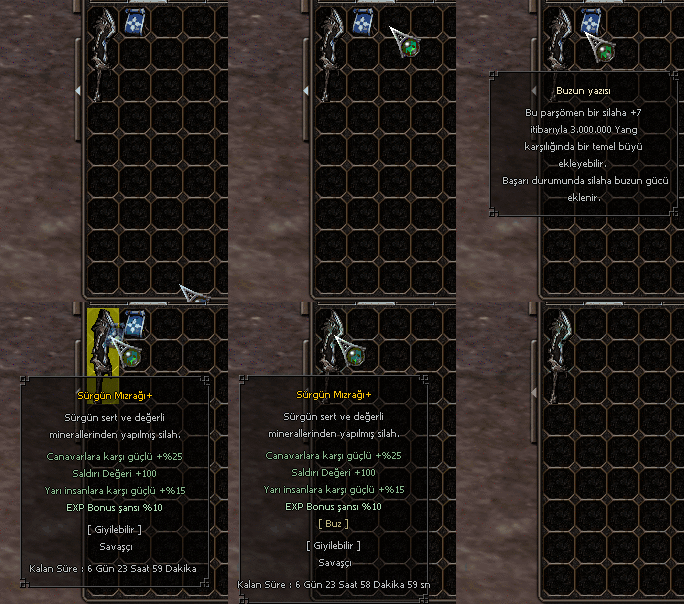
the inscription of costume weapons to which you have previously added an Elemental Inscription. Change Inscription This parchment can alter a weapon's basic magic. You choose the new element. The
Elemental Magic level remains unchanged.
ELEMENTS YAZILARI - Animation 1 ELEMENTS YAZILARI - Animation 2
ELEMENTS YAZILARI - FireFire's inscription
This parchment can add a basic spell to a costume weapon. | If successful, the weapon gains the power of fire.
ELEMENTS YAZILARI - IceThe inscription of ice
This parchment can add a basic spell to a costume weapon. | If successful, the power of ice is added to the weapon.
ELEMENTS YAZILARI - LightningLightning's inscription
This parchment can add a basic spell to a costume weapon. | If successful, the weapon gains the power of lightning.
ELEMENTS YAZILARI - WindWind's Inscription
This parchment can add a basic spell to a costume weapon. | If successful, the weapon gains the power of the wind.
ELEMENTS YAZILARI - EarthThe Earth's inscription
This parchment can add a basic spell to a costume weapon. | If successful, the weapon gains the power of the earth.
ELEMENTS YAZILARI - DarknessThe Writing of Darkness
This parchment can add a basic spell to a costume weapon. | If successful, the power of darkness is added to the weapon.


ELEMENTS YAZILARI - Gif 1
ELEMENTS YAZILARI - Gif 2 ELEMENTS YAZILARI - Gif 3 ELEMENTS YAZILARI - Gif 4 ELEMENTS YAZILARI - Gif 5 ELEMENTS YAZILARI - Gif 6 ELEMENTS YAZILARI - Gif 7

SPECIAL OBJECTS

SPECIAL OBJECTS - Icon You can find many new special items in our game; you can review past update
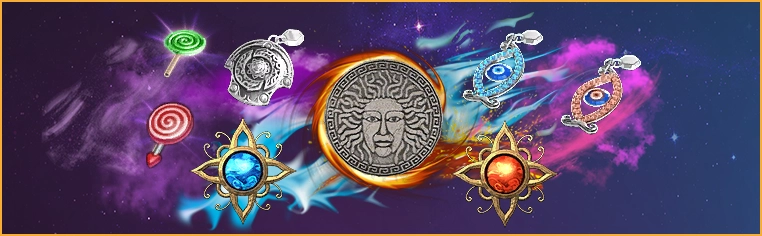
topics for information on where these items drop, or you can search for specific items via our wiki system.
SPECIAL OBJECTS - Item 1 SPECIAL OBJECTS - Animation 1 SPECIAL OBJECTS - Animation 2 SPECIAL OBJECTS - Animation 3 SPECIAL OBJECTS - Item 2
SPECIAL OBJECTS - Animation 4


SERVER CHANGE

SERVER CHANGE - Icon Server Transfer Process; The transfer ticket is active from time to time.
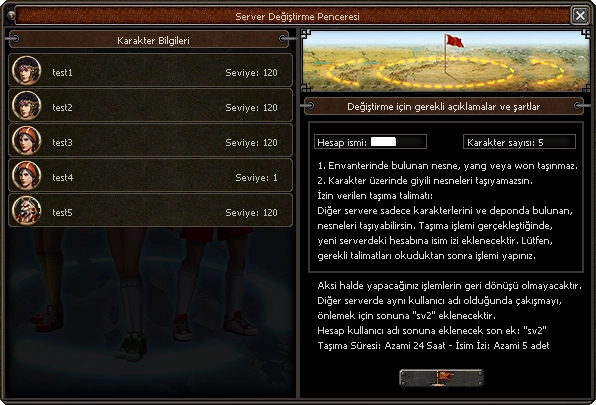
Server Transfer Ticket This ticket allows you to transfer your account to another permitted server. Please read the necessary conditions carefully before proceeding.
Currently, transfers from our Server1 section to the Mordor section are active.
1. Items, yang, or won in your inventory cannot be transferred.
2. You cannot transfer items equipped on your character.
Permitted transfer instructions:
You can only transfer your characters and items
stored in the warehouse to the other server. When
the transfer is complete, a name suffix will be added to your account on the new server. When
the transfer is complete, a name suffix will be added to your account on the new server.
Please read the necessary instructions before performing the transfer.
Otherwise, the actions you take will be irreversible. To prevent conflicts when the same username exists on the other server
, "sv2" will be added to the end. The suffix to be added
to the end of the account username: "sv2"
Example usage: nisansv2
Transfer Duration: Maximum 24 Hours - Name Suffix: Maximum 5 characters


SERVER CHANGE - Image SERVER CHANGE - Animation 1 SERVER CHANGE - Animation 2 SERVER CHANGE - Animation 3


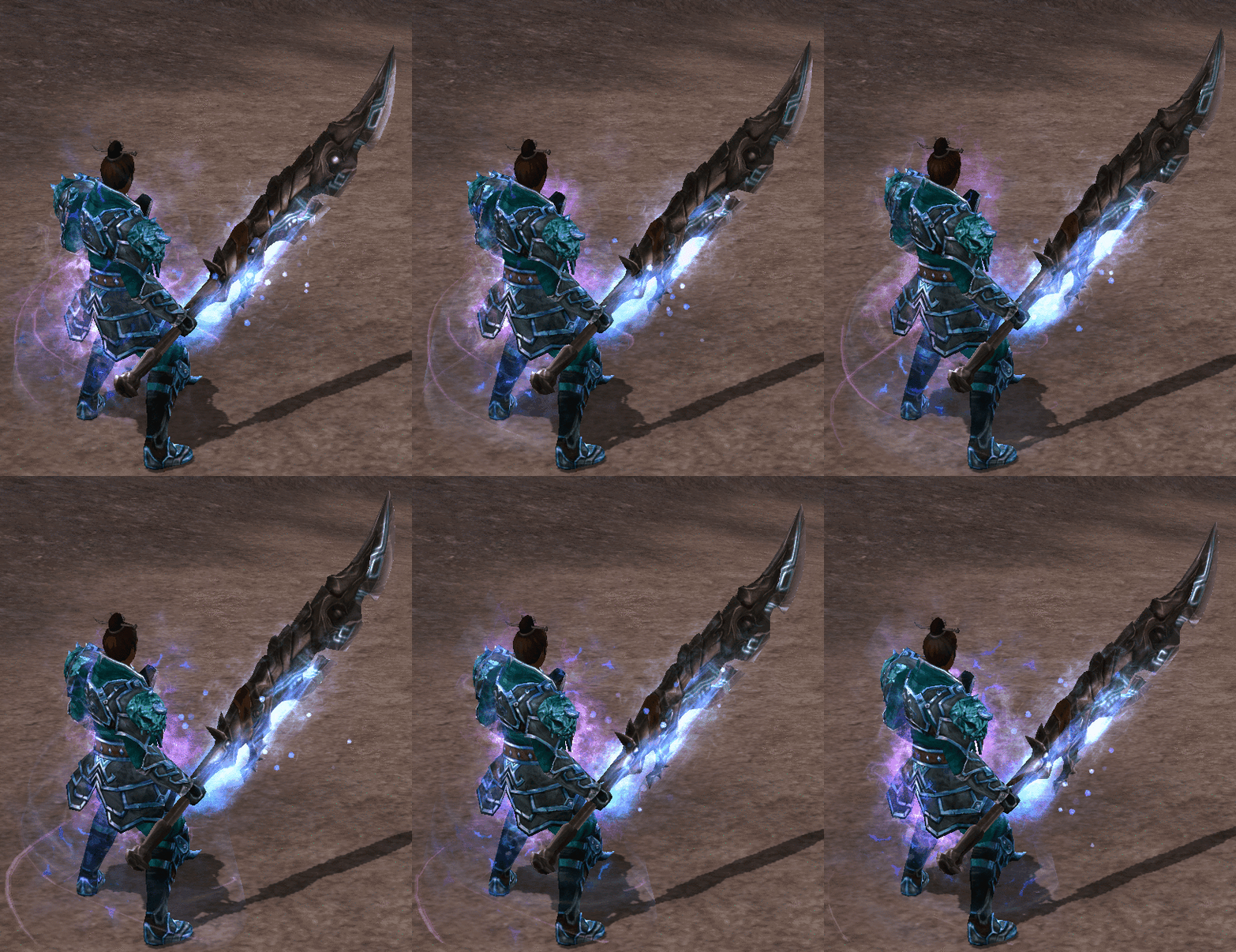
SPECIAL MODELLING

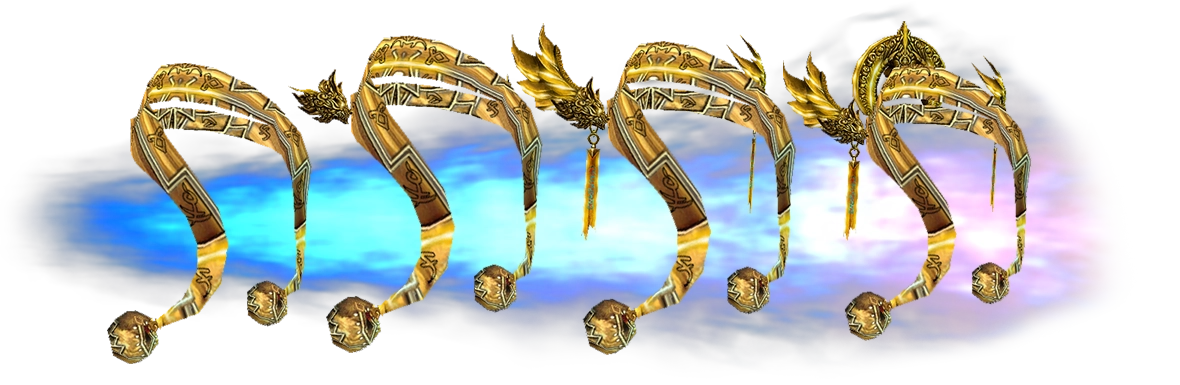
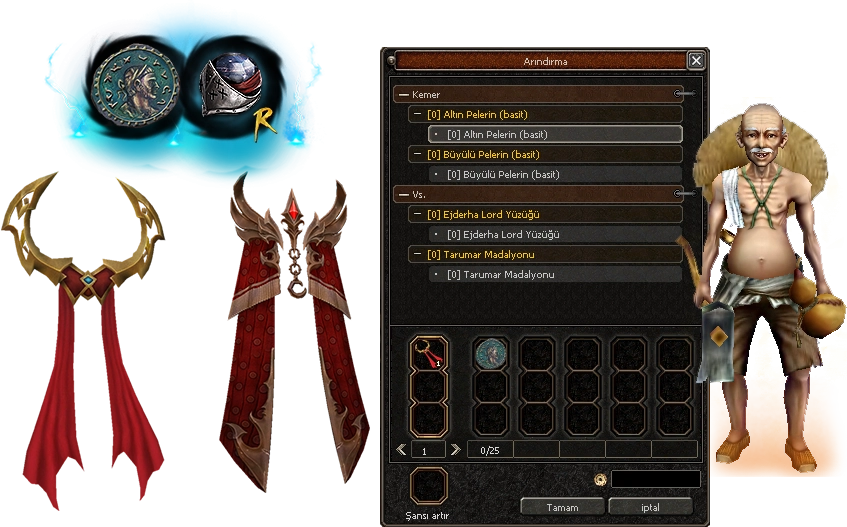
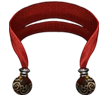
SPECIAL MODELLING - Icon Custom Modelling:
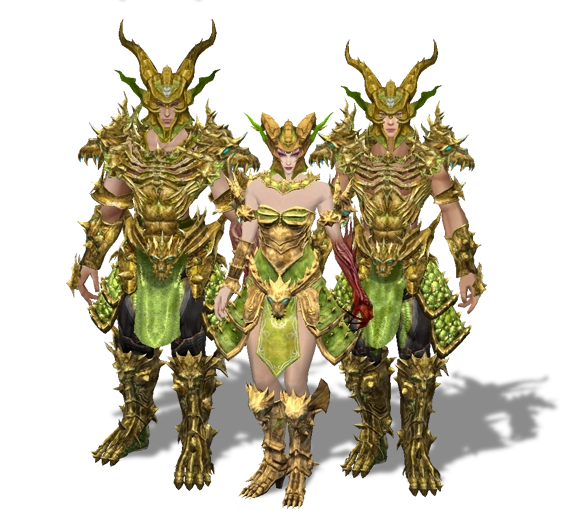
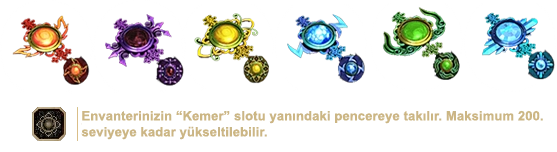
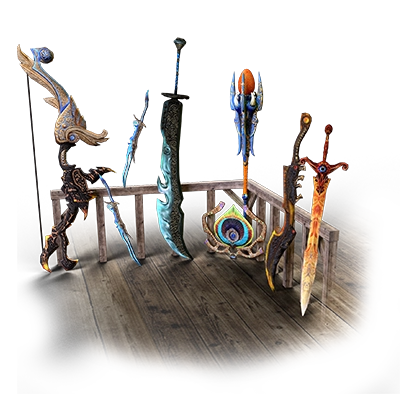
Our game features numerous customised weapons, armour and belts. In the attached

image, the belt pattern is embellished with runic inscriptions.

SPECIAL MODELLING - Model 1


SPECIAL MODELLING - Model 2 SPECIAL MODELLING - Model 3


Customised Windows

Customised Windows - Icon Windows:
Thanks to these customised windows, you will be able to enjoy a more comfortable and easier gaming experience. We welcome all suggestions

via the forum or suggestion channel.


Customised Windows - Interface 1
Customised Windows - Botnet Icon Bot Control:
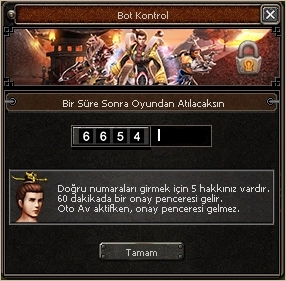
Bot control has been activated. To avoid interrupting your gaming experience, the verification process has been set to 120 minutes.

* You have 5 attempts to enter the correct numbers.
* A confirmation window will appear every 60 minutes.
* When Auto Av is active, the confirmation window will not appear.

* The bot control window has been updated and positioned to appear in front of you.
* The buttons on it have been removed, so you will need to type from the keyboard.
* You can confirm with the OK button or use the Enter key.


Customised Windows - Interface 2

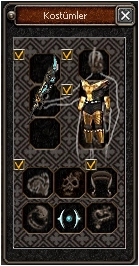
Customised Windows - Costume Icon Costume Window Customisation: You can configure the
equipment you wish to hide here;
simply tick the box.

Customised Windows - Interface 3

BRACELETS


BRACELETS - Main

BRACELETS - Icon
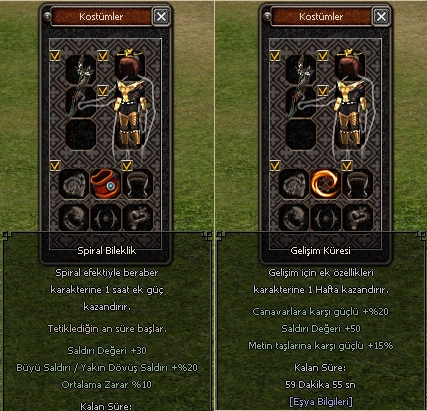
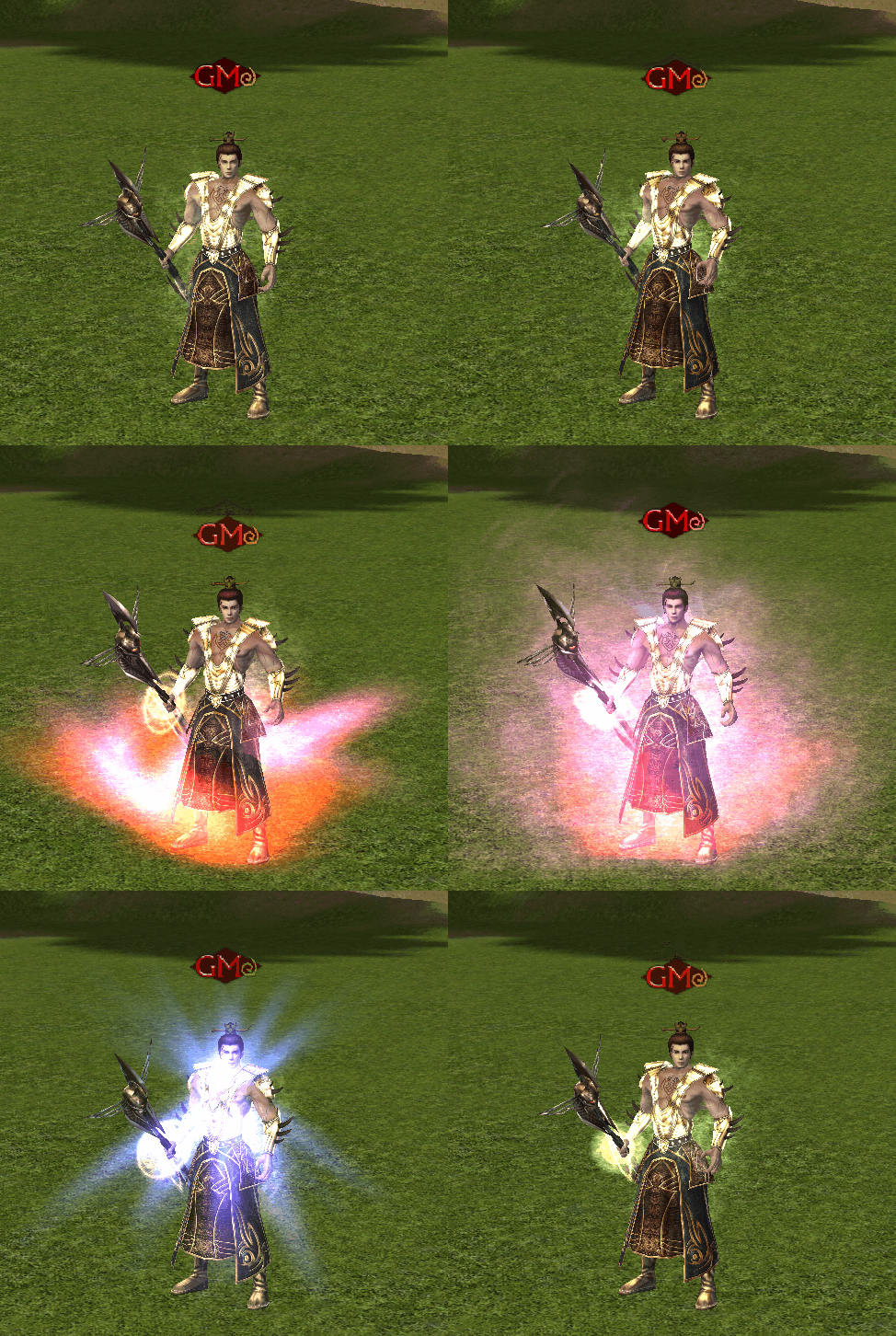
The Spiral Bracelet and Development Sphere items have been integrated; You
can currently obtain them from the Yohara Continent;
Their properties increase or decrease depending on the item duration;

1 Hour: Spiral Bracelet Grants your character 1 hour of additional power with the Spiral effect. The duration begins when triggered.
12 hours: The Spiral Bracelet grants your character 12 hours of additional power with the Spiral effect. The duration begins when triggered.

1 Hour: The Development Sphere grants your character 1 hour of additional development features. The duration begins when triggered.
12 hours: The Development Sphere grants your character 12 hours of additional development features. The duration begins the moment you activate it.
New items can be equipped in the Demon Silhouette slot.


BRACELETS - Image 1 BRACELETS - Animation 1 BRACELETS - Animation 2

CHAT AND FILTER FEATURES


CHAT AND FILTER FEATURES - Main

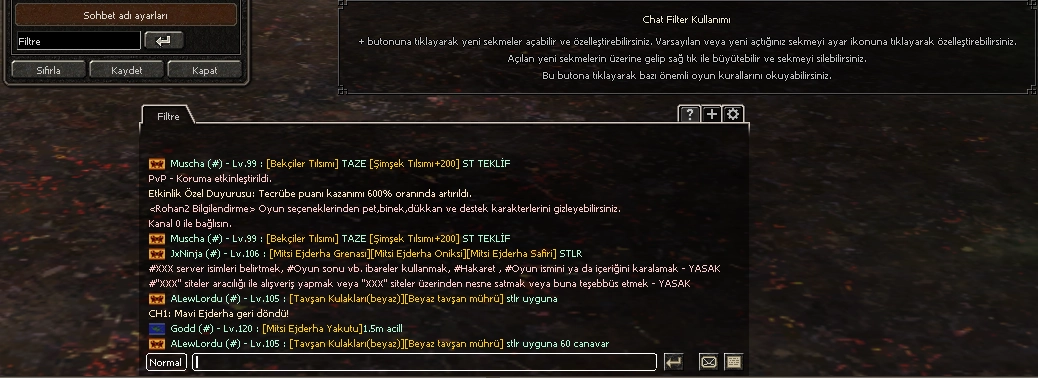
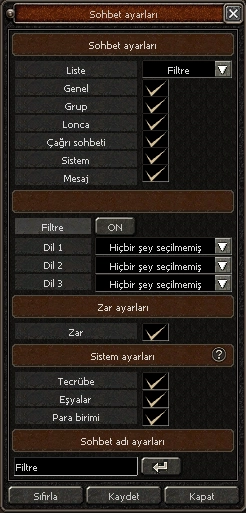
New Chat filter and customisation enabled;

CHAT AND FILTER FEATURES - Feature 1
CHAT AND FILTER FEATURES - Feature 2

INSIDE VIEW OF THE BOX

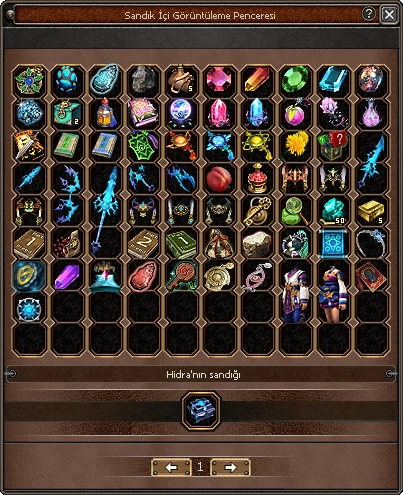
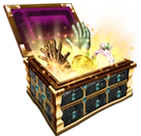
INSIDE VIEW OF THE BOX - Key Box Viewing:
Press Shift + Right-click with the mouse to view the box contents and use the tabs to navigate to other pages.


INSIDE VIEW OF THE BOX - Interface

EVENTS

EVENTS - Gold We have many activities inspired by or taken from most official games. These activities are held regularly every week, and there are also special and surprise events. Special events are held on "specific dates or as a surprise". Event durations are long. Daily events are shorter and are held continuously. We will only include some of these in our introduction.

Note: You can view routine and special events by clicking the "E" button on the mini-map within the game.


EVENTS - Header

EVENTS - Banner

EVENTS - Valentine
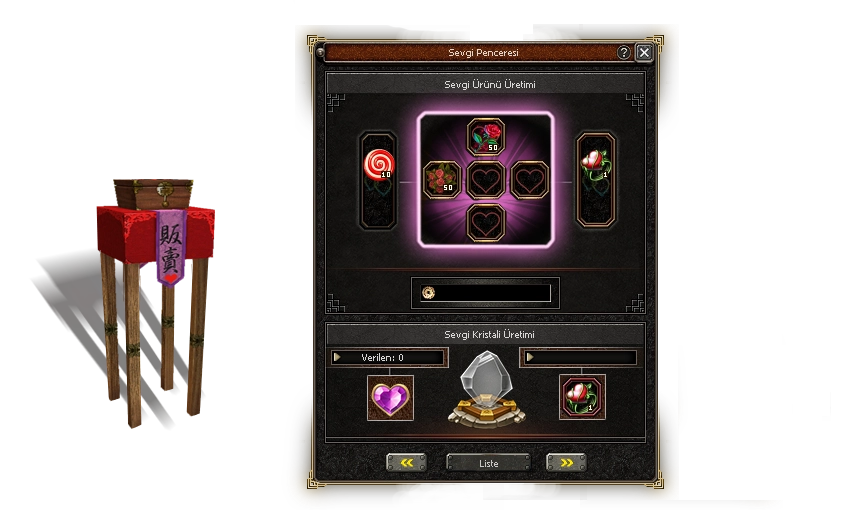
EVENTS - Ring When the event begins, a "Love Merchant" appears in the first villages of each kingdom. (It appears in the same position as the Winter Event 'Father Christmas'.) Special
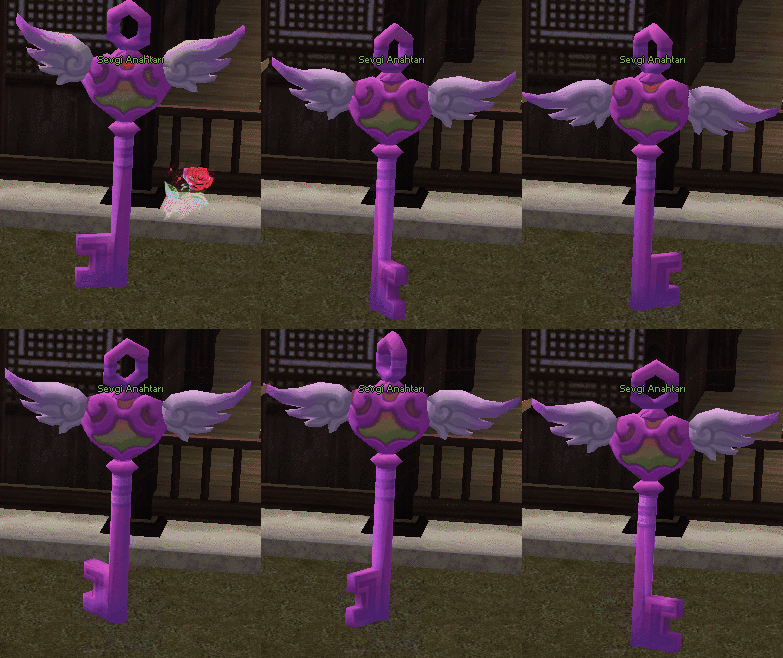
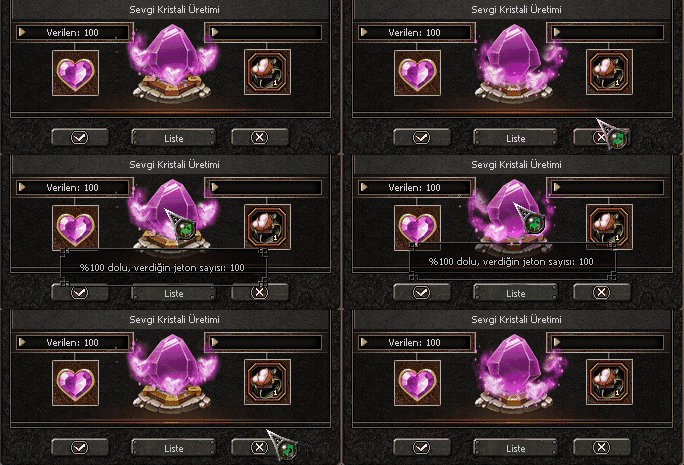
Changes for this Event: All markets and texts in the game take on their new form. As soon as the event begins, you start listening to
a beautiful but short piano recital.

- When the event begins, the first three items can be obtained from Text and Bosses.
* Fresh Rose Bouquet - A valuable item produced for special occasions.
* Fresh Rose - A valuable item produced for special occasions.
* Valentine's Day Token - A valuable event token produced for special occasions.

Note: For all details, you can refer to the 'More Information' section below.

EVENTS - Animation 1
EVENTS - Animation 2

Find out more CLICK +


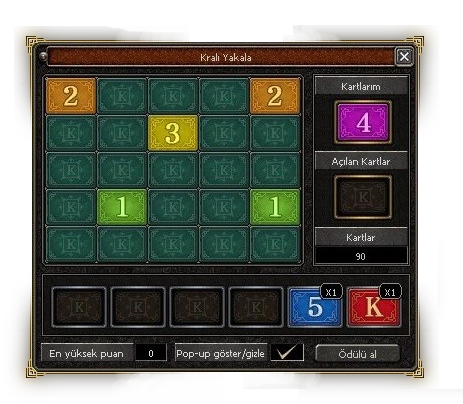
EVENTS - Catch King

EVENTS - Catch King UI Find out more CLICK +

Lonely Mountain Arena

Lonely Mountain Arena - Banner Lonely Mountain Arena - Animation
Lonely Mountain Arena - Icon Let's go to war; the effectiveness of guilds in the game will increase with the Arena, and guild activities will gain importance. Other works planned for Lonely Mountain will be a dungeon and farm map, in keeping with the story. There are great treasures in Lonely Mountain. Trust your guild and rule there. There is an arena here where brave Dragon Lords once fought. Defeat the Dragon Lord in the arena! Share the loot with your guild and declare your power. One rumour suggests that the Dragon Lord may leave a chest behind when departing the arena. The guild that deals the most damage will claim the entire loot. Gather your guild and attack without delay!


Lonely Mountain Arena - Detail 1 Lonely Mountain Arena - Detail 2


Find out more CLICK +


KINGDOM WARS

KINGDOM WARS - Banner
KINGDOM WARS - Animation
KINGDOM WARS - Icon Let's Go to War; - When the event starts, if there is an event icon, or if there isn't, it will take on the following new appearance.


- Event participation level: Level
105 - 3 Kingdoms spawn in their own unique starting tunnels.
- There is no participant limit.
- You can enter as a spectator.
- Battle duration: 1 hour
- Looting duration: 1 hour
- Kingdom changes will not be permitted during the event.
- The winning kingdom remains on the map and the loot rain begins;
- The loot rain begins for the kingdom that reaches the required score; This loot rain will include special drop bosses and nostalgic "Rubber Texts".
(There will be special items for kingdom loot, and they can only be obtained from here.)
This is the preview for the "Kingdom Wars" details.

Find out more CLICK +


* The Won event will take place on two days of the week.<br>* You can make purchases at the event table using your Won currency.<br>* When the event is active, the system will notify everyone via an announcement.<br>- The applicable information and rules for the event are as follows:<br>* On event days, the event table will appear next to the storekeeper.<br>* Every item at the event table has a global stock.<br>* There is a set stock quantity for each player.<br>* Once stocks are depleted, items cannot be purchased.<br>* You can only participate in the event from Channel 1.<br><br><span>Each item has a Global and Personal stock. Once these limits are reached, items cannot be purchased.</span> - Header
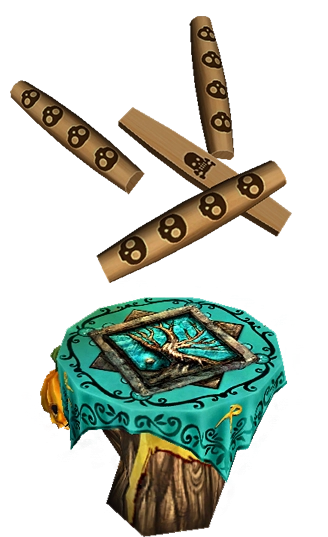

* The Won event will take place on two days of the week.<br>* You can make purchases at the event table using your Won currency.<br>* When the event is active, the system will notify everyone via an announcement.<br>- The applicable information and rules for the event are as follows:<br>* On event days, the event table will appear next to the storekeeper.<br>* Every item at the event table has a global stock.<br>* There is a set stock quantity for each player.<br>* Once stocks are depleted, items cannot be purchased.<br>* You can only participate in the event from Channel 1.<br><br><span>Each item has a Global and Personal stock. Once these limits are reached, items cannot be purchased.</span> - Shop

* The Won event will take place on two days of the week.<br>* You can make purchases at the event table using your Won currency.<br>* When the event is active, the system will notify everyone via an announcement.<br>- The applicable information and rules for the event are as follows:<br>* On event days, the event table will appear next to the storekeeper.<br>* Every item at the event table has a global stock.<br>* There is a set stock quantity for each player.<br>* Once stocks are depleted, items cannot be purchased.<br>* You can only participate in the event from Channel 1.<br><br><span>Each item has a Global and Personal stock. Once these limits are reached, items cannot be purchased.</span> - Icon * The Won event will take place on two days of the week.

* You can make purchases at the event table using your Won currency.
* When the event is active, the system will notify everyone via an announcement.
- The applicable information and rules for the event are as follows:
* On event days, the event table will appear next to the storekeeper.
* Every item at the event table has a global stock.
* There is a set stock quantity for each player.
* Once stocks are depleted, items cannot be purchased.
* You can only participate in the event from Channel 1.

Each item has a Global and Personal stock. Once these limits are reached, items cannot be purchased.


* The Won event will take place on two days of the week.<br>* You can make purchases at the event table using your Won currency.<br>* When the event is active, the system will notify everyone via an announcement.<br>- The applicable information and rules for the event are as follows:<br>* On event days, the event table will appear next to the storekeeper.<br>* Every item at the event table has a global stock.<br>* There is a set stock quantity for each player.<br>* Once stocks are depleted, items cannot be purchased.<br>* You can only participate in the event from Channel 1.<br><br><span>Each item has a Global and Personal stock. Once these limits are reached, items cannot be purchased.</span> - Detail Find out more CLICK +


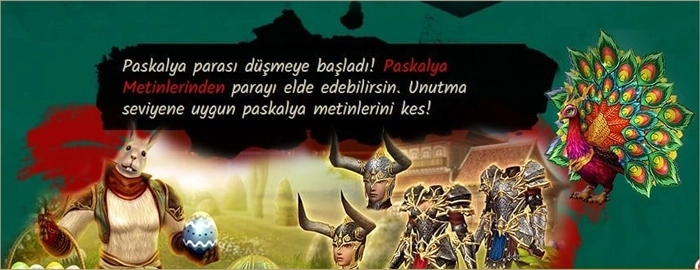
During the Easter Event, you can obtain the Easter Bunny, Easter Egg, and Magic Egg. The Easter Bunny will appear in its usual spot in the first village of the kingdoms. Easter Eggs will drop to receive rewards based on your level. Throughout the event, you can obtain the Magic Egg from all Easter Texts. You can shop with Easter coins from Mr D. YZK. - Header
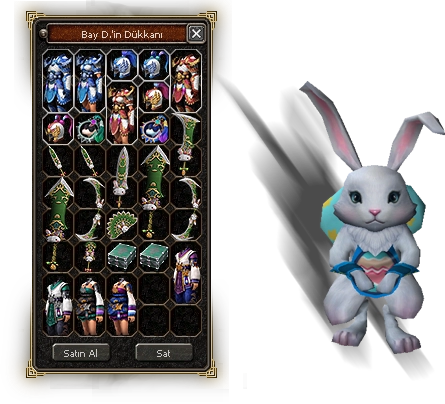

During the Easter Event, you can obtain the Easter Bunny, Easter Egg, and Magic Egg. The Easter Bunny will appear in its usual spot in the first village of the kingdoms. Easter Eggs will drop to receive rewards based on your level. Throughout the event, you can obtain the Magic Egg from all Easter Texts. You can shop with Easter coins from Mr D. YZK. - Banner
During the Easter Event, you can obtain the Easter Bunny, Easter Egg, and Magic Egg. The Easter Bunny will appear in its usual spot in the first village of the kingdoms. Easter Eggs will drop to receive rewards based on your level. Throughout the event, you can obtain the Magic Egg from all Easter Texts. You can shop with Easter coins from Mr D. YZK. - Egg During the Easter Event, you can obtain the Easter Bunny, Easter Egg, and Magic Egg. The Easter Bunny will appear in its usual spot in the first village of the kingdoms. Easter Eggs will drop to receive rewards based on your level. Throughout the event, you can obtain the Magic Egg from all Easter Texts. You can shop with Easter coins from Mr D. YZK.
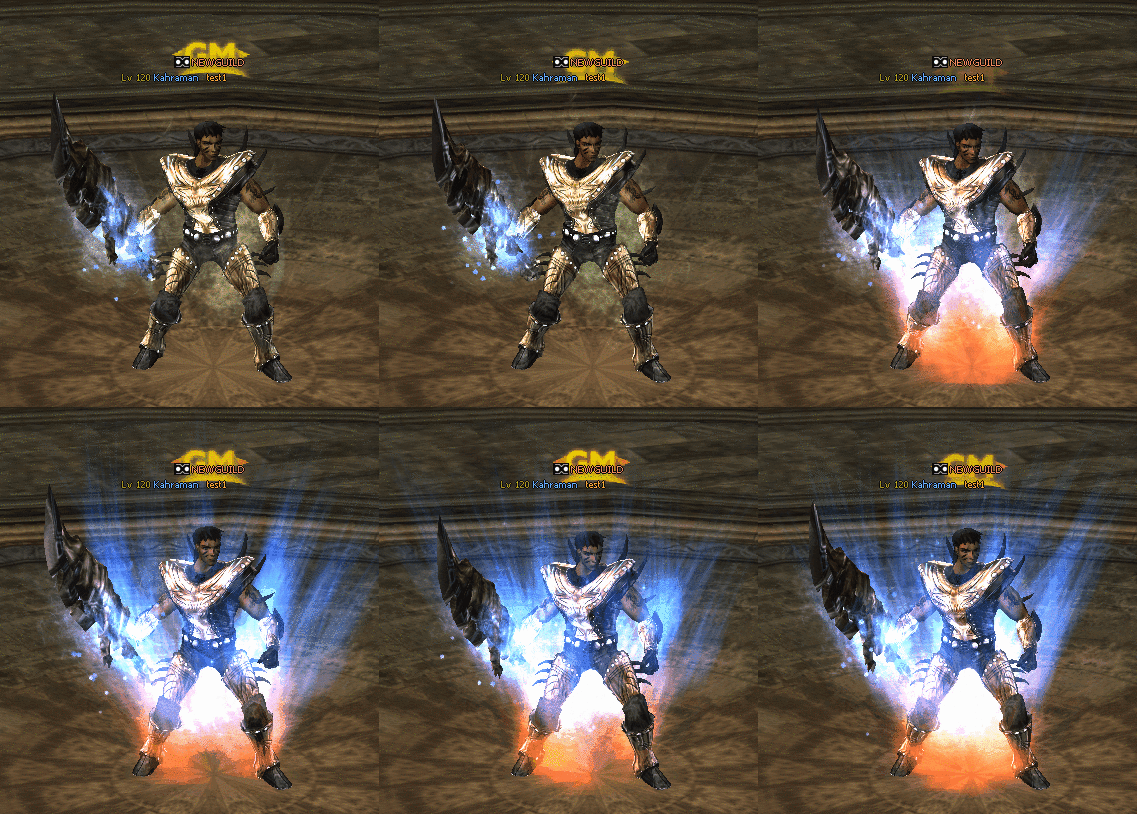
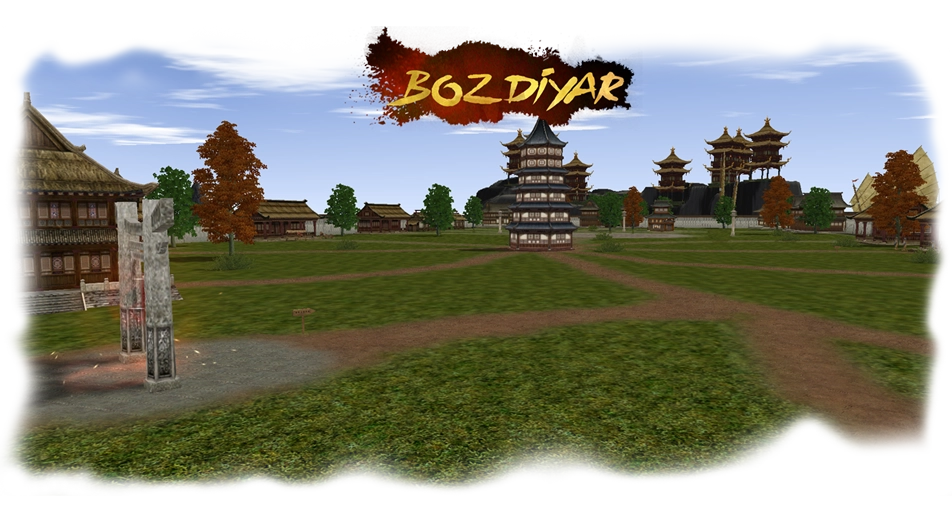

During the Easter Event, you can obtain the Easter Bunny, Easter Egg, and Magic Egg. The Easter Bunny will appear in its usual spot in the first village of the kingdoms. Easter Eggs will drop to receive rewards based on your level. Throughout the event, you can obtain the Magic Egg from all Easter Texts. You can shop with Easter coins from Mr D. YZK. - Shop Find out more CLICK +
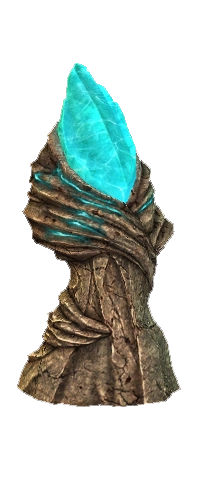


COMMON MAP - MARADON

COMMON MAP - MARADON - Map
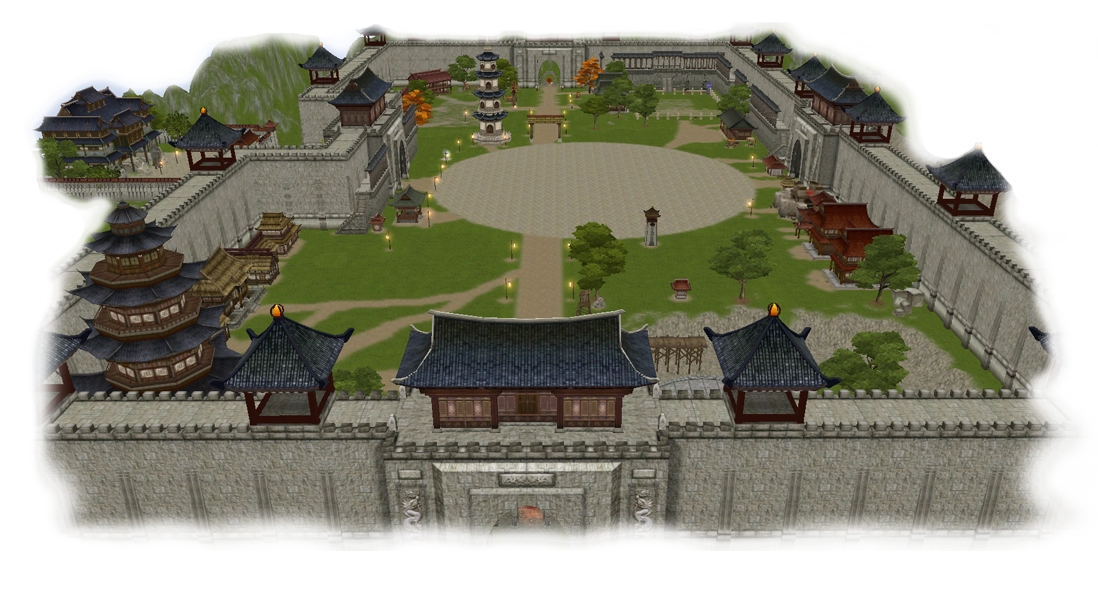
The shared village (Maradon) has been prepared; you can explore the village and have a good time.
* You can go to the map using the F6 key.
* You can open a market in the Maradon shared area.
* When you enter the ring area in Maradon, everyone automatically becomes enemies and you can fight.
* The Bozdiyar map and Bozdiyar systems have been completely removed and will not be reinstated.
(A new shared map has been introduced, and a new PvP system is being designed.)


COMMON MAP - MARADON - Animation

Find out more CLICK +


Warden

Warden - Map
Warden - Icon
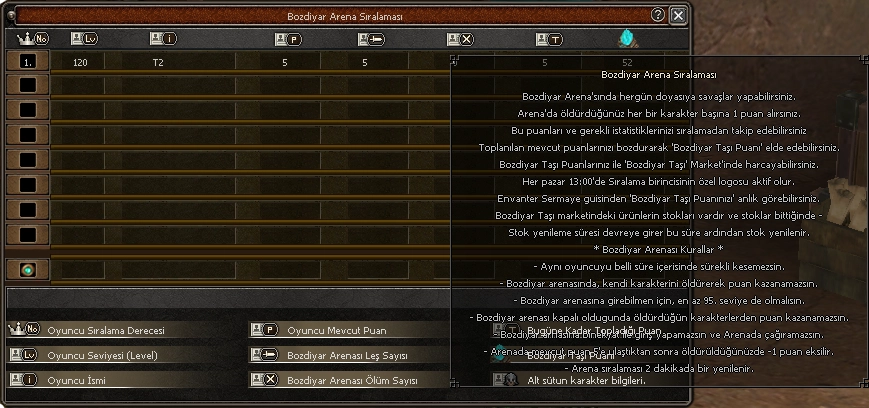
You can engage in battles to your heart's content every day at the Bozdiyar Arena. You earn 1 point for each character you defeat in the Arena
. You
can track these points and your relevant
statistics without ranking. You can exchange your accumulated points for 'Bozdiyar Stone Points'. You can spend
your Bozdiyar Stone Points in the 'Bozdiyar Stone' Market.
Every Sunday at 13:00, the leaderboard winner's special logo becomes active. You can see your 'Bozdiyar Stone Points' instantly from the Inventory Capital GUI
. Products in the
Bozdiyar Stone Market have stock, and when stock runs out, the
stock replenishment period begins, after which stock is replenished. The
arena ranking is updated every 2 minutes. The player ranked first
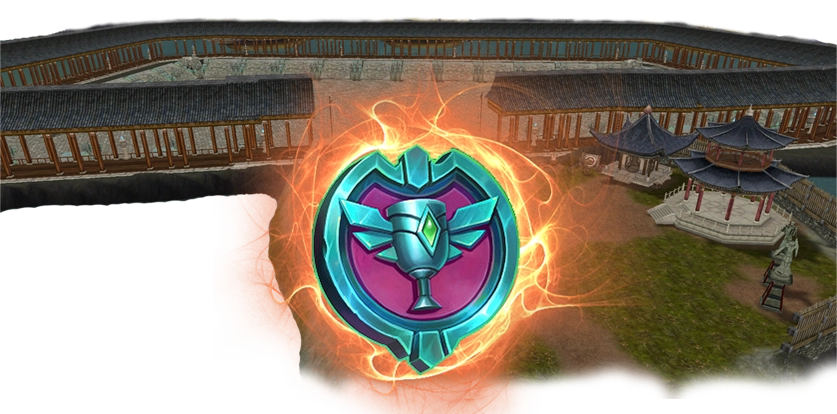
in the arena ranking will have the logo (tag) shown in the image above appear above their head.

* Bozdiyar Arena Rules * You cannot continuously
kill the same player within a certain period of time. You cannot earn points by killing your
own character in the Bozdiyar arena. You must be at least level
95 to enter the Bozdiyar arena. You cannot earn points from characters
you kill when the Bozdiyar arena is closed. You cannot
enter the Bozdiyar arena on a mount/horse, nor can you summon one in the arena. Once the
current points in the arena reach 5, you will lose 1 point when you are killed. Although

not certain, the arena will be active every day between 19:00 and 20:00.
The leaderboard winner will receive the first title and logo (tag) on Sunday at 13:00.


Warden - Detail 1


Warden - Detail 2

Find out more CLICK +